Recreating Your Agency's Existing CV Template in a Formatting Tool
How to reproduce a branded Word or PDF candidate CV template in a formatting tool: which design details matter, which quietly break, and how to check the result before rolling it out.
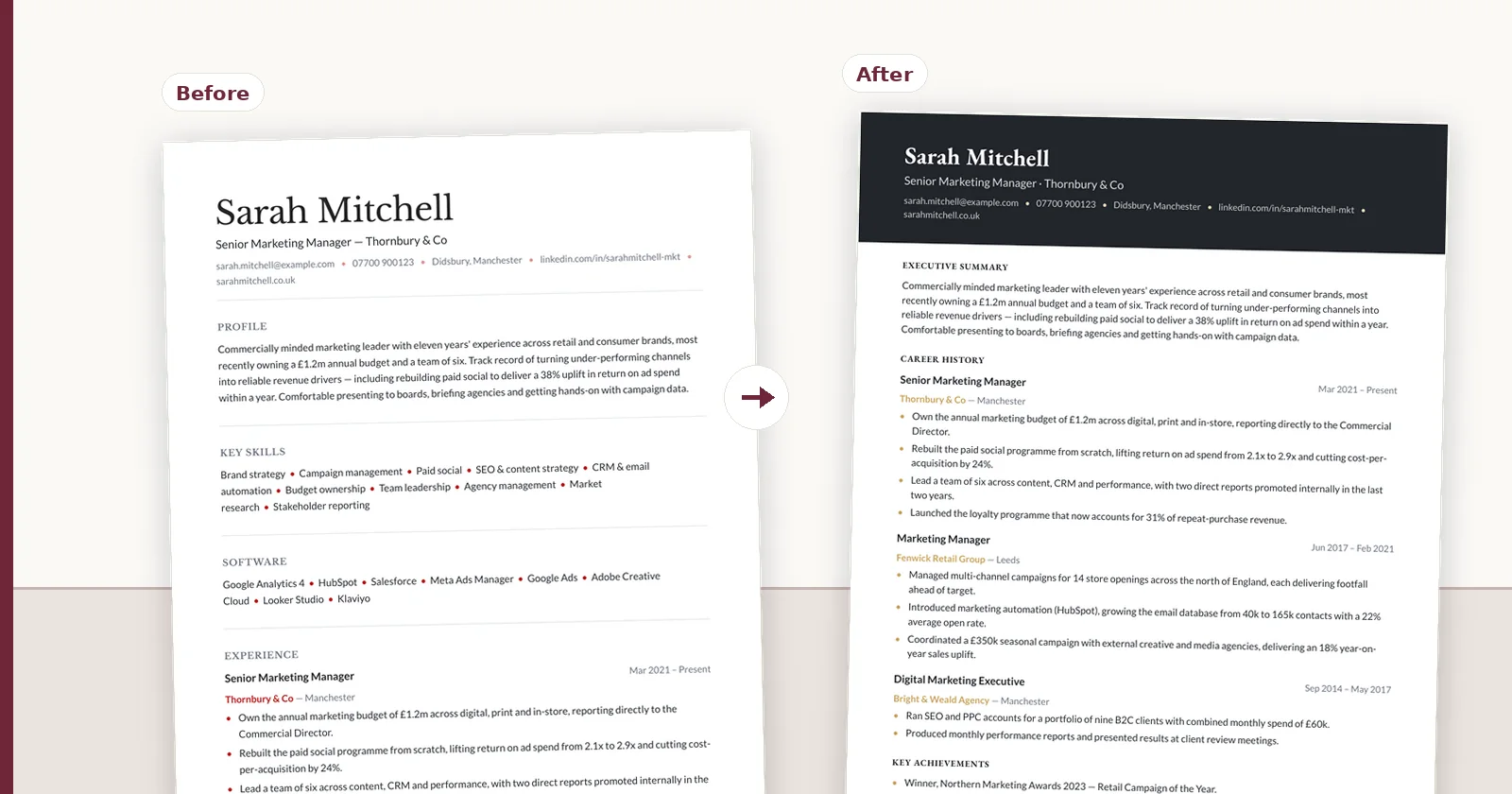
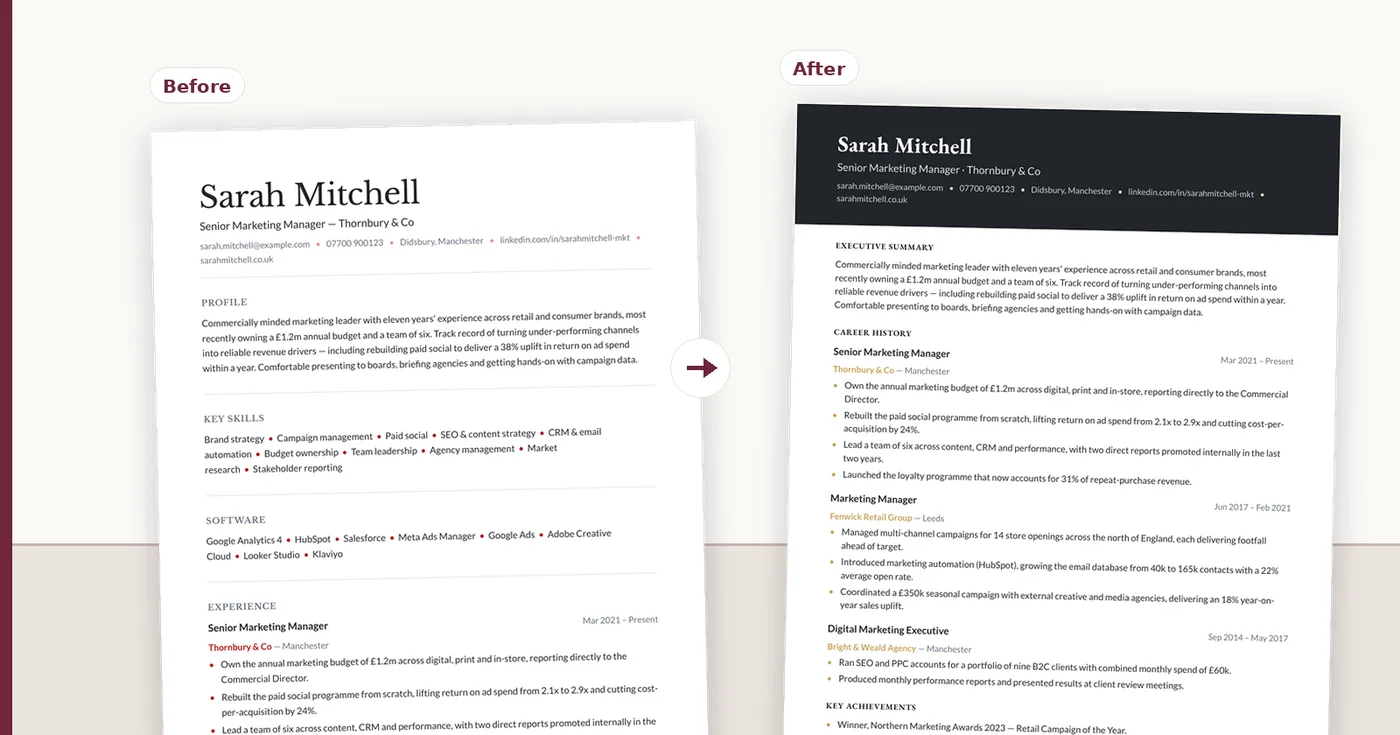
Most agencies adopting a CV formatting tool arrive with a template they already use and clients already recognise. The reasonable expectation is that the new tool will produce that document. What follows is a practical account of how to reproduce an existing branded template, which parts transfer cleanly, which need rethinking, and how to verify the result before you standardise a whole team on it.
Start by working out what the template really is
Agency templates accumulate. What began as a clean layout picks up a consultant's spacing tweak, a partner's preferred font, a section added for one client and never removed. Before reproducing it, separate what is deliberate from what is residue.
A useful exercise: print three recent submissions from different consultants side by side. If they do not match, you do not have one template — you have a family of them, and reproducing all the variation faithfully would be reproducing a problem.
- The brand elements that genuinely must match: logo, accent colour, typeface
- The structural decisions clients recognise: section order, where dates sit, how achievements are separated
- The accidental parts: one-off spacing, an orphaned section, a colour that drifted
- The parts that were never working: text boxes, layout tables, skill rating bars
What transfers cleanly
The elements that carry brand recognition are, fortunately, the ones that reproduce most reliably. A client recognises your CV by its colour, its logo placement and its overall structure — not by a two-millimetre margin.
In ConnectIQ these are direct settings rather than approximations: layout family, heading style, density, divider treatment, colours, heading and body fonts, logo slot and maximum height, and section order and visibility. A curved layout adds a shape choice for the header treatment. Most agency templates are reproduced by making a dozen deliberate choices rather than by pixel-matching.
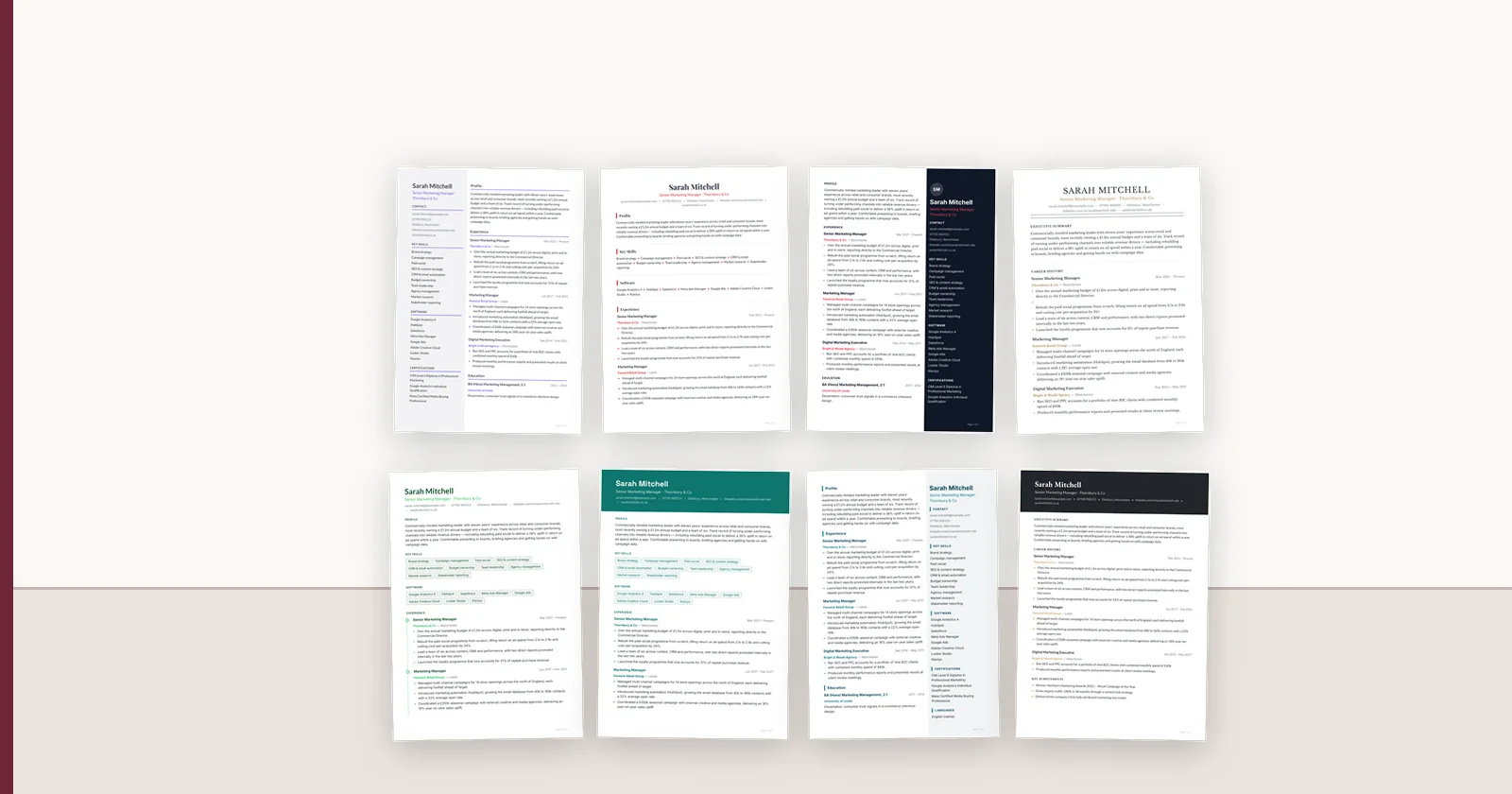
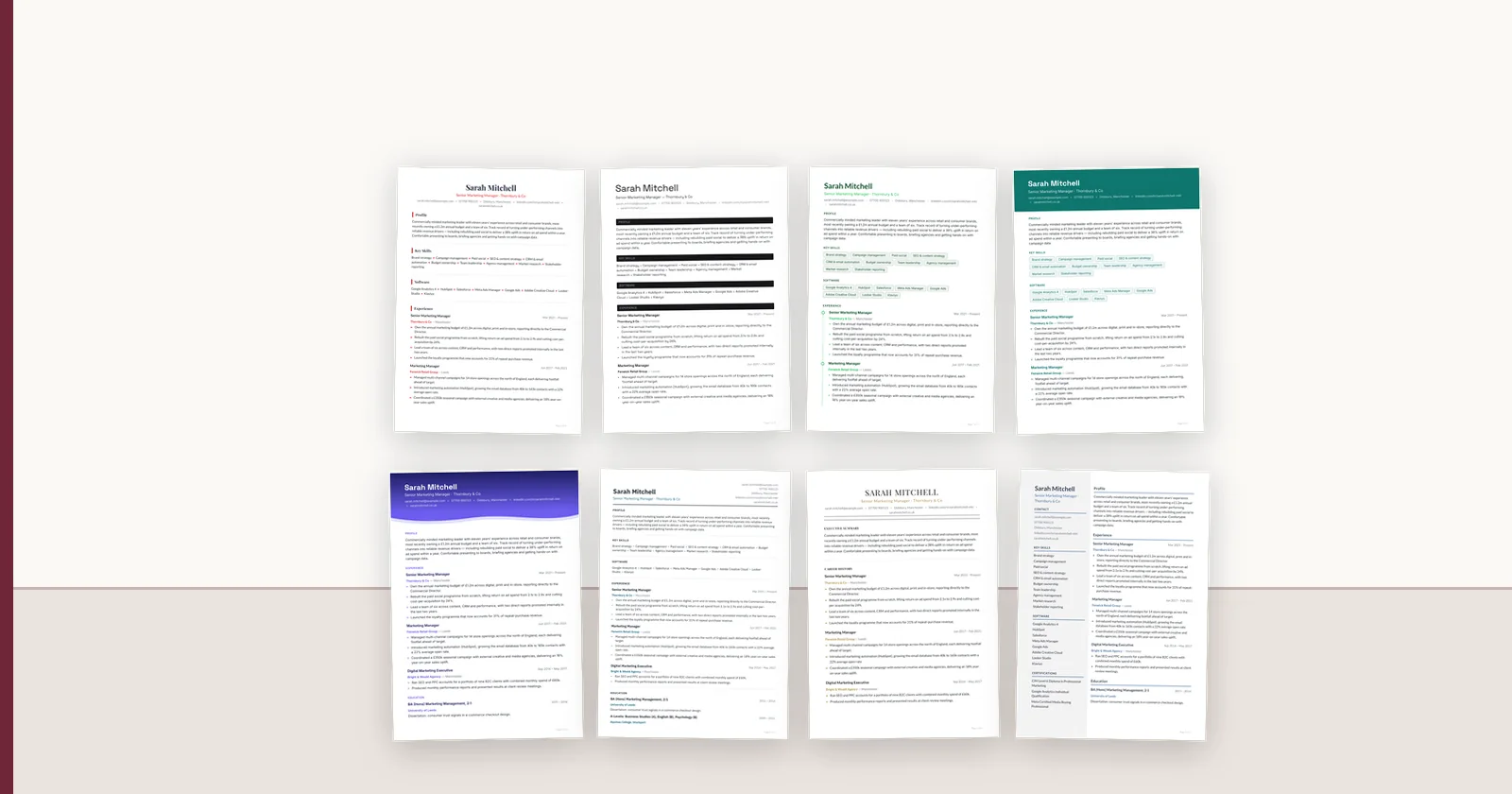
If you want a starting point rather than a blank builder, the template gallery has 57 layouts across nine families; most agency templates are a family plus a dozen settings.
- Logo placement and size, constrained so it cannot dominate
- Accent colour applied consistently to headings and rules
- Heading and body typefaces, set separately
- Section order and which sections appear at all
- Heading treatment: caps, underline, block or left rule
- Density and divider style, which carry more of the 'feel' than people expect
What needs rethinking rather than reproducing
Some features of an existing Word template should not be carried over, because they were causing the problems the agency is trying to solve.
Layout tables and text boxes are the clearest examples. They look fine on screen and are a frequent cause of scrambled parsing when a client's applicant tracking system reads the document. Reproducing them faithfully means reproducing a defect. The same applies to skill rating bars, which mean nothing to a parser and are unverifiable to a client.
This is worth raising with whoever owns the template internally before the work starts, rather than presenting it afterwards as something the tool could not do.
The fidelity question, answered honestly
A reproduction is a reproduction. HTML and PDF output is where the design is authoritative and where it will match closely. A Word export approximates that layout: Word's engine reflows text, substitutes missing fonts and cannot render some shapes and overlaps exactly.
That matters if your existing template is a Word document and your clients expect Word. The practical answer is to treat PDF as the canonical submission and Word as the accommodating format — which is the right policy regardless of tooling.
Any vendor promising a pixel-identical Word reproduction of a designed layout is describing something Word does not do.
Reproduce once, then stop maintaining copies
The main gain from moving a template into a tool is not the first document. It is that the template stops existing as a file that gets copied.
In a Word workflow, every consultant has a version, and each edit forks it. Six months later there are eleven templates, and rebranding means finding all of them. When the template is a definition applied at render time, changing the accent colour changes every future document, and previously approved documents can be regenerated rather than rebuilt.
The same applies to variants. A client who wants no salary line, or a sector that expects a different section order, should be a variant of one template rather than a separate file with its own drift.
Verify before rolling it out
Reproducing a template is quick. Validating it saves a fortnight of consultants quietly working around a problem.
Run the checks against real candidate CVs from your own pipeline, not a tidy sample, because the awkward ones are what expose layout assumptions.
- Put a long CV through it: three roles fit anywhere, eleven do not
- Put a sparse CV through it: a graduate with one role should not look broken
- Export PDF and Word and compare them side by side
- Open the Word version on a machine without your brand fonts installed
- Print in greyscale and confirm nothing disappears
- Paste the whole document into a plain text editor and check the reading order
- Show it to a consultant who did not build it and ask what looks wrong
- Send one to a friendly client and ask whether it still reads as yours
How close does it need to be?
Worth asking directly, because perfect fidelity to an inherited Word file is rarely the actual goal. The goal is that clients recognise the document as yours and can read it quickly.
Most agencies find that reproducing brand elements and structure faithfully, while quietly dropping the accumulated accidents, produces a template clients read as an improvement rather than a change. The recognisable parts are fewer than people assume — usually the logo, the colour and the shape of the first page.
FAQ
Q01Can a CV formatting tool reproduce our existing Word template exactly?
It can reproduce the elements that carry recognition — logo placement, colour, typefaces, section order and heading treatment — closely. Exact pixel fidelity in a Word export is not achievable for a designed layout, because Word reflows text and substitutes fonts. Treat PDF as canonical and Word as the accommodating format.
Q02Should we copy every detail of our current template?
No. Most agency templates contain accumulated accidents and some genuinely harmful choices — layout tables, text boxes and skill rating bars all cause parsing problems. Reproduce the deliberate brand and structural decisions; use the move as an opportunity to drop the rest.
Q03How many templates should we end up with?
Usually one, plus variants for the two or three client sectors with genuinely different expectations. Large template libraries normally indicate files being cloned for one-off edits, which is the problem the move is meant to solve.
Q04What happens when we rebrand?
If the template is a definition applied at render time rather than a file, changing colours or fonts changes every future document, and previously approved documents can be regenerated. That is the difference from a Word workflow, where a rebrand means finding every copy.
Q05How do we check the reproduction is good enough?
Test with real CVs from your pipeline, including a very long one and a sparse graduate one. Compare PDF and Word side by side, open the Word file without your brand fonts installed, print in greyscale, and paste into a plain text editor to check reading order. Then show it to a consultant who did not build it.
ConnectIQ Editorial documents practical recruitment operations and the controls implemented in the ConnectIQ product. This guide is general operational information, not legal advice.