Bulk CV Formatting: Getting a Whole Shortlist to a Client at Once
How to format an entire candidate shortlist in one pass, what parallel processing actually does to turnaround time, and why batch submissions change the shape of a recruiter's day.
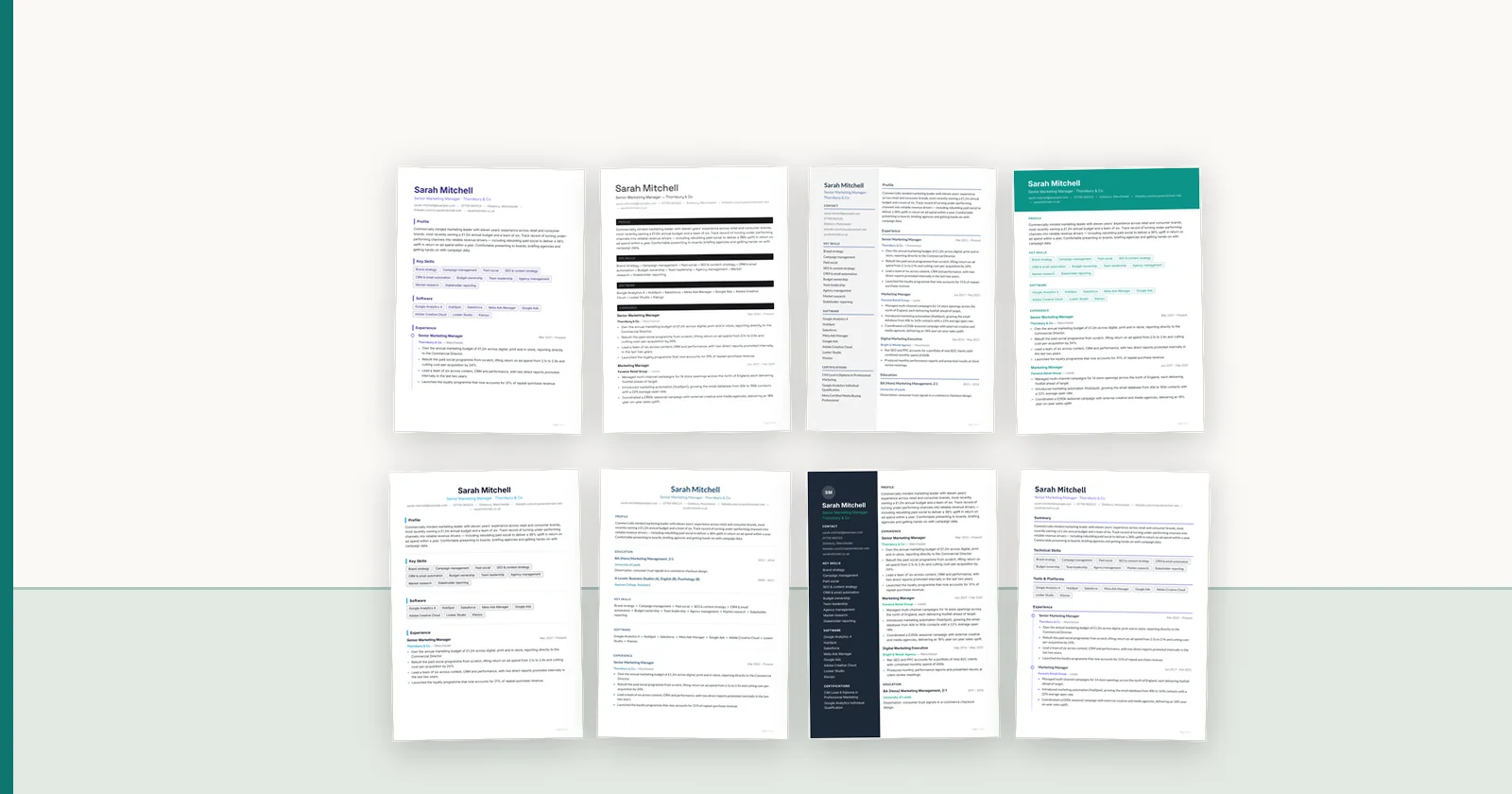
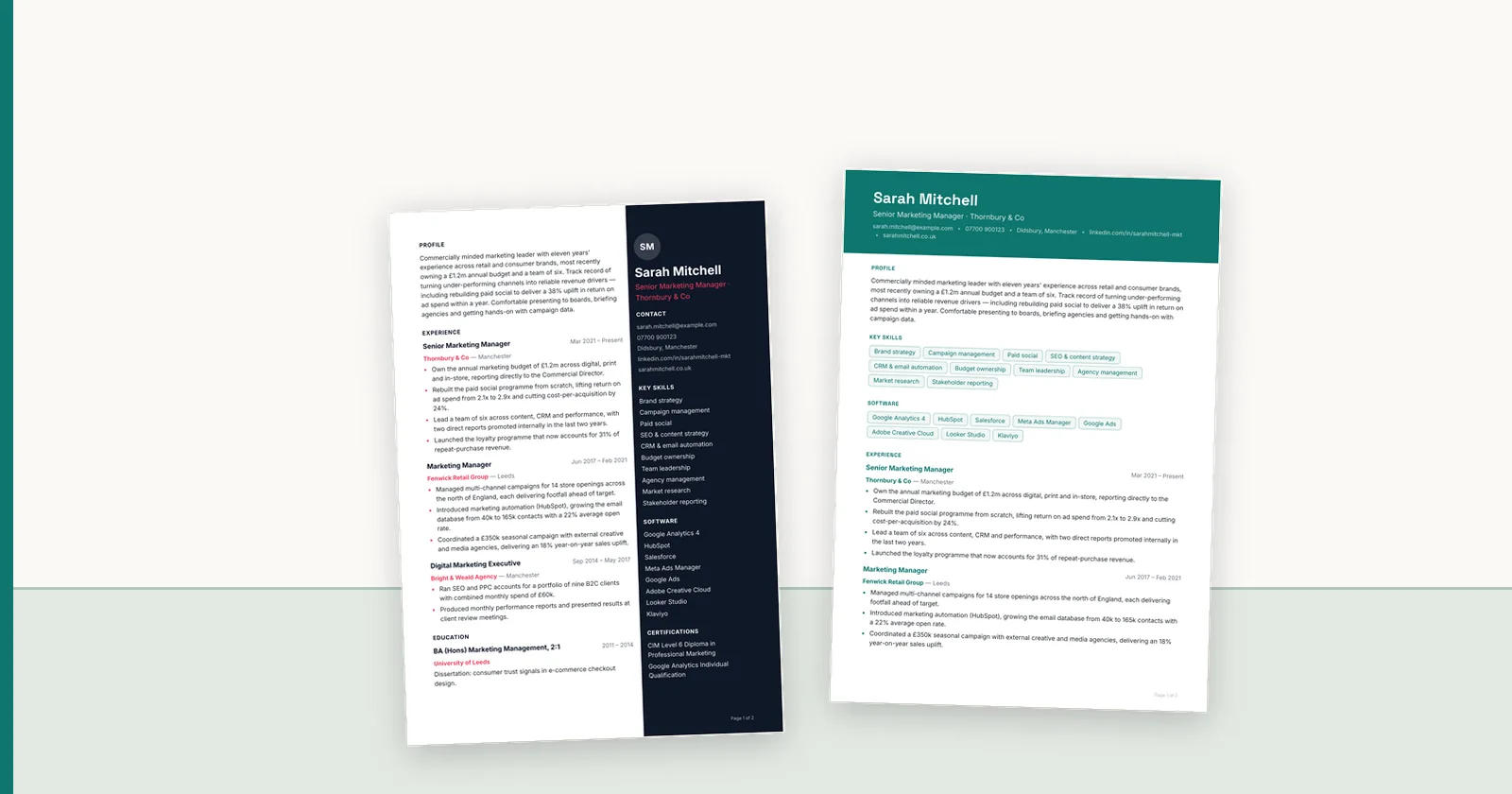
Shortlists arrive in clusters. A client releases a role, you work it for two days, and then six credible candidates need presenting at once. That is the moment manual reformatting hurts most — not because any single CV is hard, but because six of them is half a day, and the client is comparing you against an agency who sent three yesterday. This covers how batch formatting works, what the timings actually are, and where it changes outcomes rather than just costs.
Why shortlists are the real bottleneck
A single CV taking twenty minutes is an irritation. Six taking two hours is a scheduling problem, and it produces a specific bad habit: consultants batch document work to the end of the day, so the shortlist that was ready at eleven goes out at six.
The compounding effect is worse than the arithmetic. Contested roles are usually decided by which credible shortlist lands first, because hiring managers start forming a picture from what they have already read. A better candidate presented second is competing against an anchor.
What parallel processing actually means here
Batch formatting is only useful if the CVs process concurrently rather than queueing behind each other. The distinction is easy to check and rarely advertised.
Most of the time spent converting a CV is not computation — it is waiting on an AI model to respond. In our own profiling, parsing a CV takes roughly 0.3 seconds of processor time while the model call takes around 2.8 seconds of waiting. That means a single CV leaves the machine idle about ninety percent of the time, and running several at once costs far less than running them one after another.
The measured result: one CV completes in about 5.5 seconds. Twenty submitted together complete in about 45 seconds — not twenty times longer, because they overlap.
Batch size and what it is for
ConnectIQ accepts up to 50 files in a single upload on plans that include bulk intake, with the per-plan limit shown before you commit the batch. Fifty is not a marketing number; it is roughly the size of a genuine bulk job — a careers-fair collection, a redundancy programme, a migration of an existing candidate pool onto your new template.
Day to day the useful batch is six to twelve: one shortlist. Each candidate gets an individual status, review record and export, so a batch is a convenience at intake rather than a single lump you have to accept or reject as a whole.
Bulk intake is part of the Agency and Scale plans (batches of 20 and 50); Starter processes one CV at a time.
- One shortlist, six to twelve CVs: the everyday case
- Careers fair or campaign intake, twenty to fifty: occasional, and where the ceiling matters
- Re-templating an existing pool after a rebrand: large, one-off
- Each file keeps its own status and review record, so one failure does not block the rest
Fair processing when several people submit at once
A detail worth asking about, because it determines whether bulk uploads are usable in a busy office. If one consultant submits fifty CVs and a colleague submits one a minute later, does the colleague wait for all fifty?
In a naive queue, yes — and that makes bulk upload something people avoid using during the working day. ConnectIQ claims work fairly across organisations rather than strictly in order, so a large batch does not monopolise capacity and a single urgent CV is not stuck behind someone else's bulk job.
It is the kind of thing nobody demos and everybody notices in week three.
Review does not batch, and should not
Formatting parallelises. Judgement does not. Twelve CVs arriving formatted in forty seconds still need reading before they go to a client, and the temptation to skip that on a large batch is exactly when errors reach clients.
The realistic saving is in the production work, not the review: two hours of retyping becomes a minute of processing plus fifteen minutes of reading. That is still transformative for a shortlist, and it is a claim that survives contact with reality — unlike the implied version where an entire batch goes out unread.
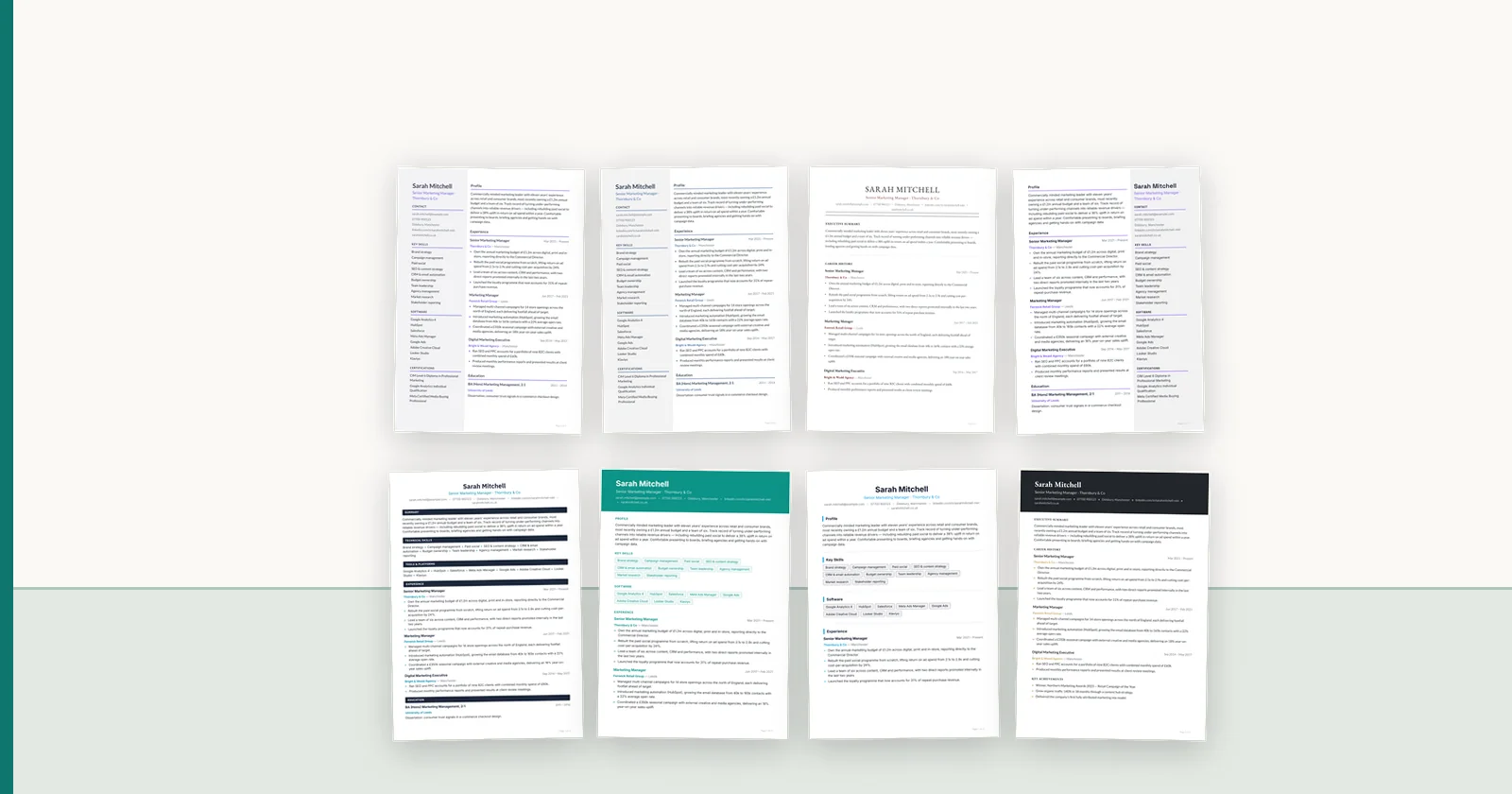
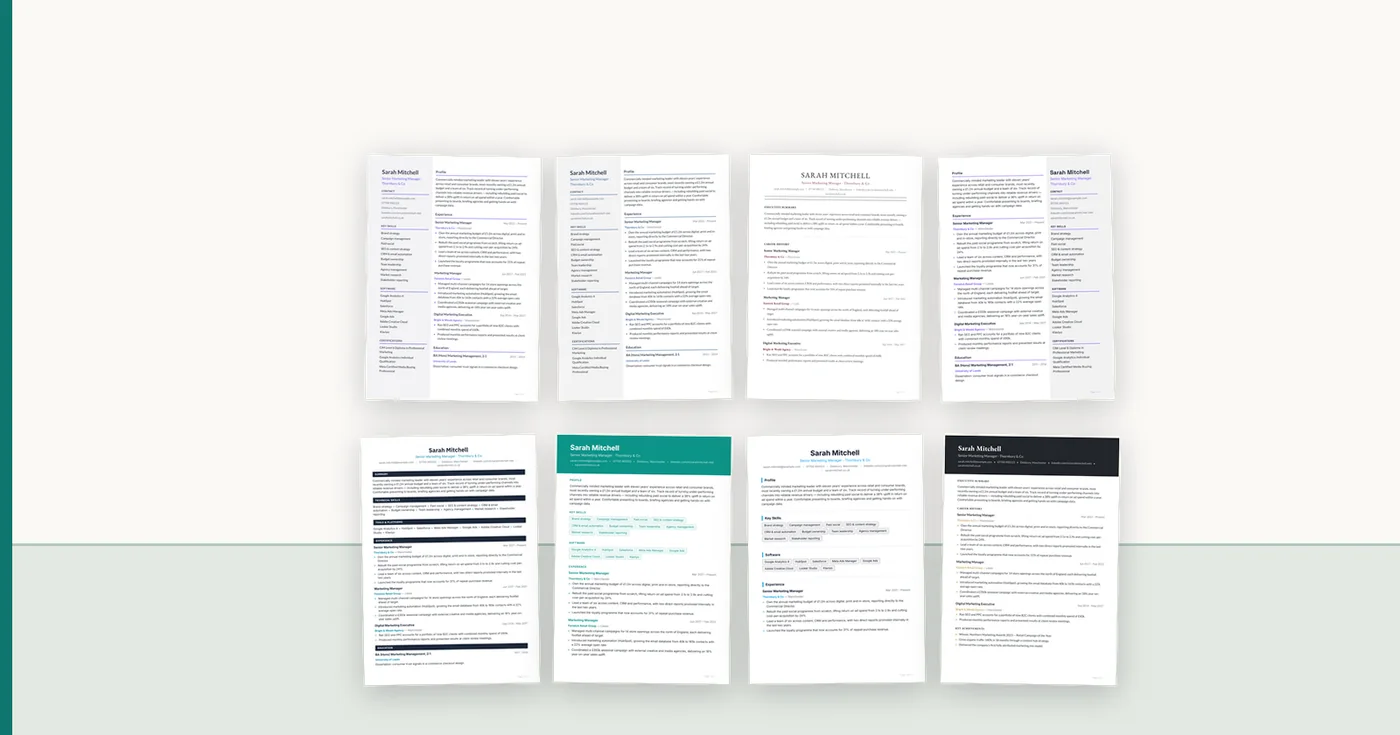
Where batch review helps is in comparison. Seeing a shortlist in one consistent template makes the candidates genuinely comparable, which is the thing the client is about to try to do.
What to check before sending a batch
The failure mode with batches is that a mistake made once is made twelve times: the wrong template, an anonymisation setting that did not apply to everyone, an export format the client did not ask for.
- Confirm the template before processing, not after
- If anonymising, check the setting applied to every candidate, not just the first
- Read each profile paragraph — this is where rewriting varies most between candidates
- Check dates on the CVs that parsed from awkward source layouts
- Export the whole batch in one format, so the client receives a consistent set
- Send as one submission with a covering note, rather than twelve separate emails
FAQ
Q01How many CVs can be formatted at once?
ConnectIQ accepts up to 50 files per upload on plans including bulk intake, with your plan's limit shown before the batch is committed. In practice the common batch is a single shortlist of six to twelve; the higher ceiling matters for careers-fair intake or re-templating an existing pool.
Q02Does formatting twenty CVs take twenty times as long?
No. Most of the time is spent waiting on an AI response rather than computing, so CVs process concurrently. One CV takes about 5.5 seconds and twenty submitted together take about 45 seconds in our measurements.
Q03Will a large batch block my colleagues?
It should not, and it is worth asking any vendor directly. Work is claimed fairly across organisations rather than strictly first-in-first-out, so a fifty-file batch does not monopolise capacity and an urgent single CV is not stuck behind it.
Q04Can I still review each CV in a batch?
Yes, and you should. Every file keeps its own status, review record and export, so a batch is a convenience at intake rather than an all-or-nothing lump. Formatting parallelises; judgement does not.
Q05What happens if one CV in a batch fails to parse?
It should fail on its own without blocking the others, and tell you why. Scanned or image-only CVs are the usual cause, because there is no extractable text until the document has been through OCR.
ConnectIQ Editorial documents practical recruitment operations and the controls implemented in the ConnectIQ product. This guide is general operational information, not legal advice.