How Recruitment Agencies Present Candidates to Clients: The Complete Workflow
The full candidate presentation workflow for recruitment agencies: intake and verification, the branded submission pack, anonymisation, format choice and the hand-off — with checklists you can adopt.
A candidate presentation is the agency's product. The candidate supplies the evidence; the agency supplies the judgement, the checking and the packaging that lets a busy client see the match quickly. This guide walks through the complete workflow — from the document a candidate actually sends to the file a client actually opens — and shows where consistency is won or lost.
- 01Build a verified record before any presentation work
- 02Send a pack: branded CV, summary and logistics
- 03Move decisions into templates, policies and checklists
What a client actually reads
Hiring managers rarely read a submission the way its author hopes. The first pass is a scan measured in seconds: current role, current employer, tenure pattern, one or two numbers that suggest scale, and whether the document looks like it came from a professional operation. Everything about the presentation workflow should serve that scan.
That means the top third of page one carries the weight: name, headline role, a short profile that reads like a recommendation rather than a biography, and the agency's brand signalling that a person stands behind the submission. It also means consistency matters more than flair — a client who receives three candidates for one role should be able to compare them line for line.
The practical conclusion: agencies do not need a more decorated CV; they need a stable, scannable structure applied to every candidate, with the facts verified underneath it.
Intake: from candidate CV to agency record
The workflow starts with whatever the candidate sends — a two-column PDF, an old Word file, something exported from a phone. The first job is not formatting; it is building a reliable record. Extract the facts: identity, contact details, role history with employers and dates, qualifications, and any figures the candidate claims.
Keep the source document attached to the record permanently. When a client questions a date or an achievement six weeks later, the answer must be checkable against what the candidate actually supplied, not against a reformatted version several edits downstream.
Verification belongs here, before presentation. Check dates for gaps and overlaps, confirm whether the current role is genuinely current, and treat every number as the candidate's claim — preserved exactly, never rounded up. Where extraction software is involved, review the fields it was least confident about rather than trusting a uniformly tidy-looking result. The detailed procedure is covered in how to format a candidate CV for client submission.
- Accept any source format, but normalise into one structured record
- Keep the original document attached and retrievable
- Verify dates, employers and figures before any presentation work
- Record salary, notice and availability as placement data, separate from the CV body
The submission pack
Most agencies send more than a CV. A complete submission pack typically has three parts: the branded candidate CV, a short consultant summary, and the logistics a client needs to act — availability, notice period, location and right-to-work status where appropriate.
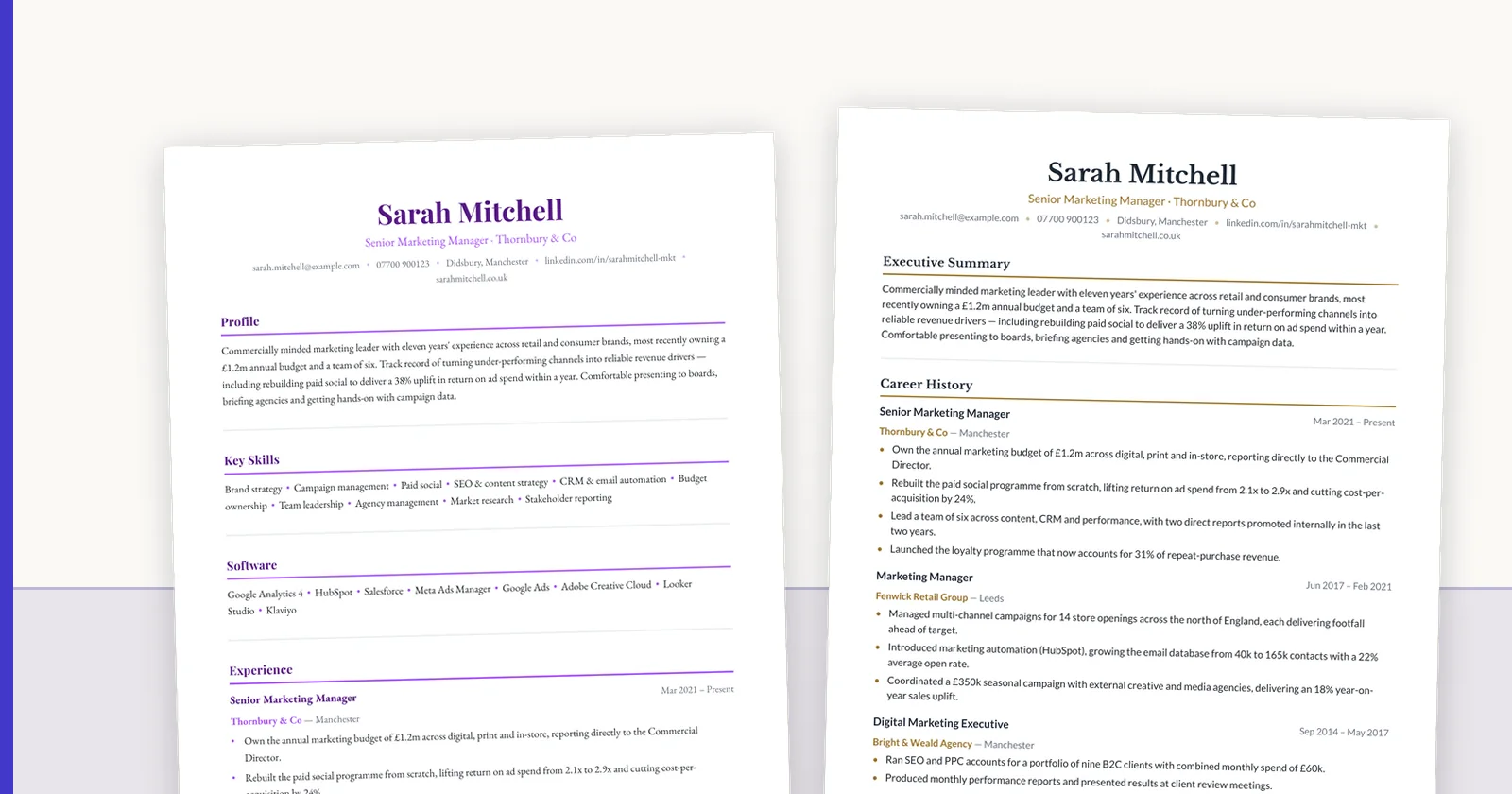
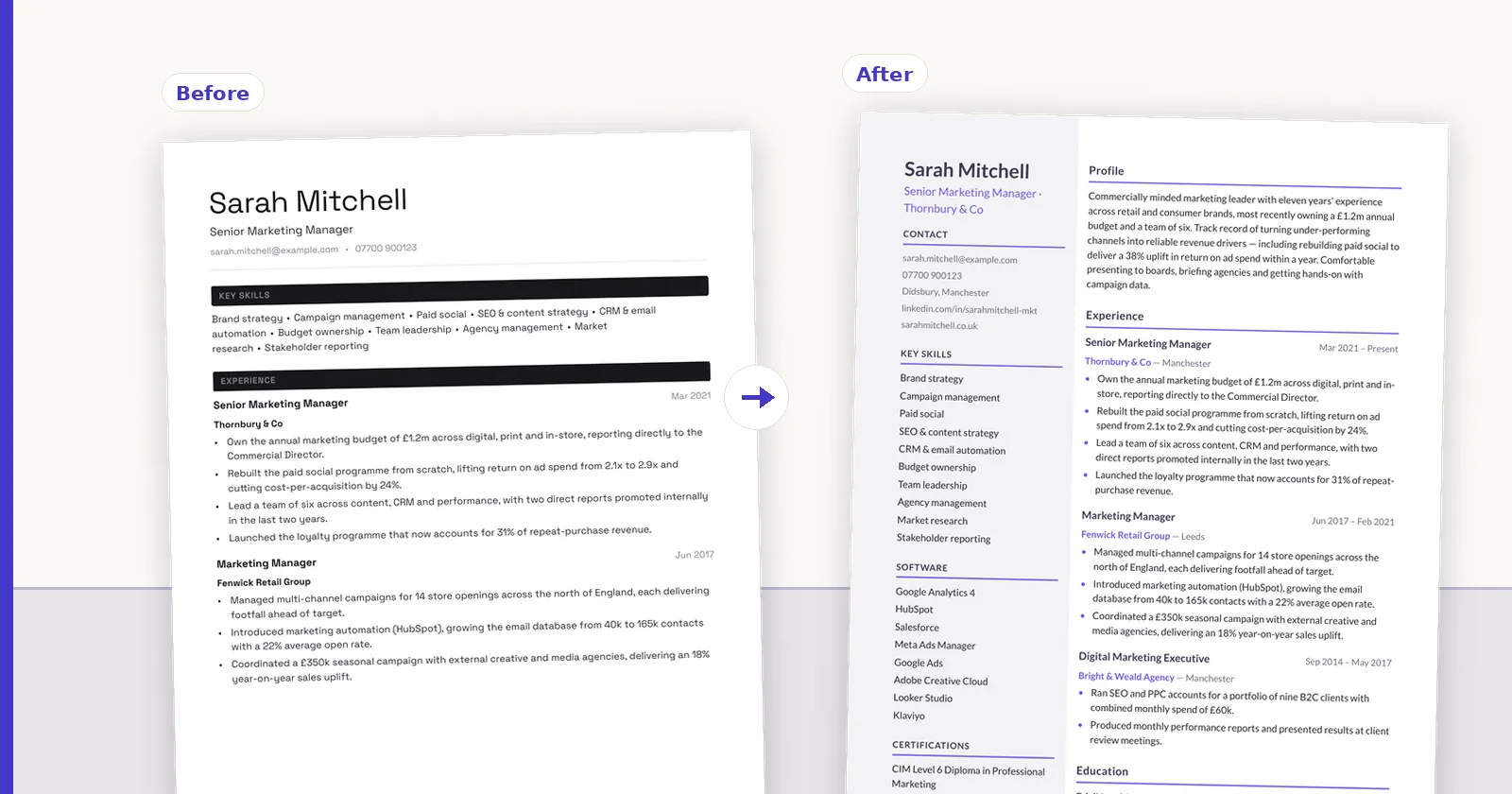
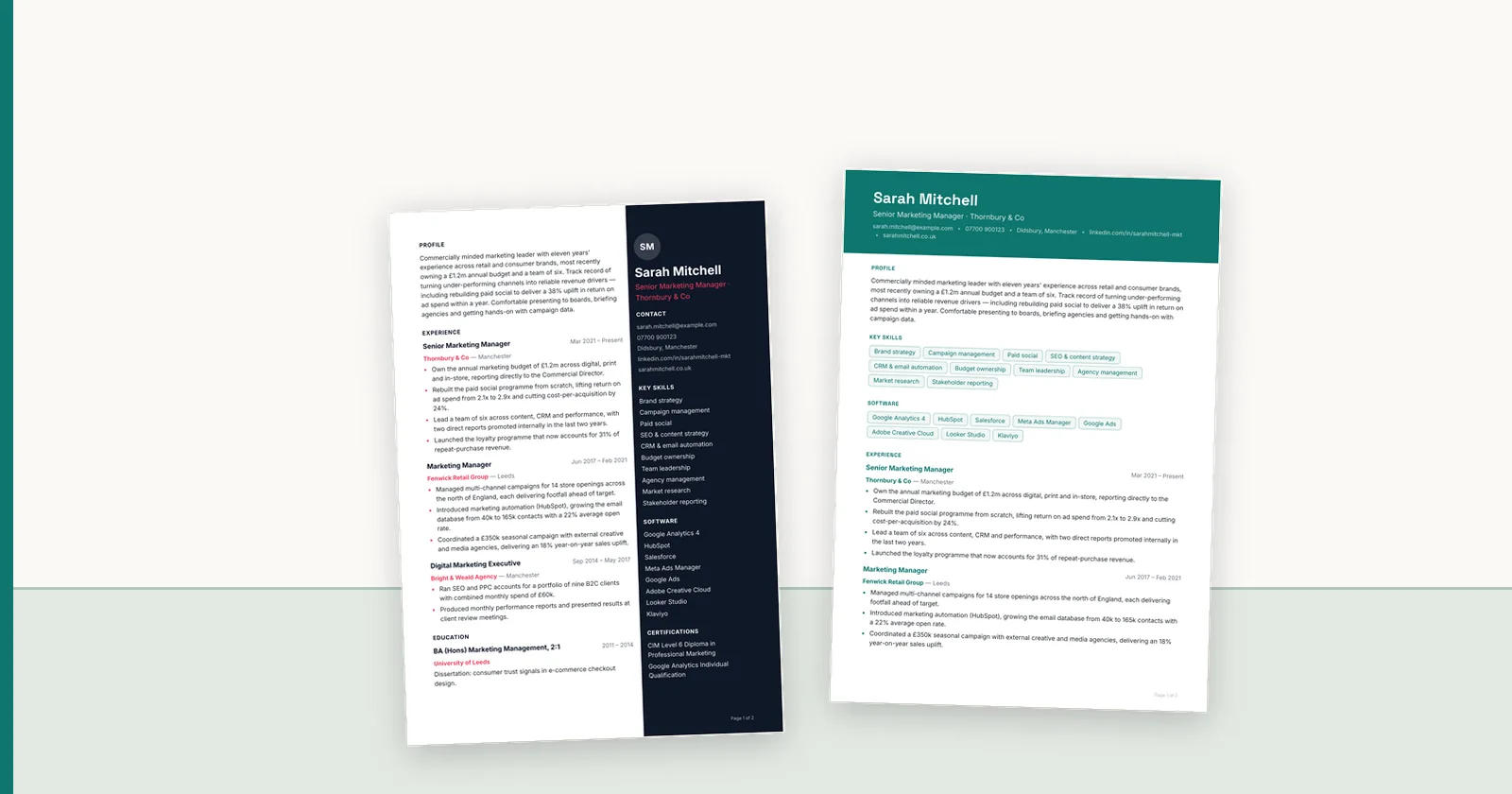
The branded CV is the centrepiece. Apply the agency template — logo, colours, type and a fixed section order — so every submission from your desk is recognisably yours. Use a small number of approved layouts rather than improvising per candidate; a governed template set is what keeps ten consultants producing one standard of document.
The consultant summary is where the agency adds judgement: three to five sentences on why this candidate, for this role, now. Write it fresh for each submission — it is the part a client cannot get from the CV itself, and the part that most clearly justifies the fee.
Name the files predictably. A client managing four agencies and thirty candidates should never have to open a file called final_v3 to find out who it is about.
Some agencies call the whole bundle a candidate pack or candidate profile; the name matters less than the contents being the same every time. The short note that travels with it is covered, with templates, in the CV cover note guide.
- Branded CV in the agency template, facts verified
- Consultant summary written per submission, not recycled
- Availability, notice and logistics stated once, clearly
- Consistent file naming: candidate, role, agency, date
Anonymisation, when the client asks for blind CVs
Some clients — and some agency contracts — require blind submissions: identity, contact details, and sometimes current employer removed so the first screen is about evidence rather than identity. Treat this as a policy applied by the system, not an edit performed by hand. Manual redaction misses headers, footers, links and file metadata, and it is applied unevenly across candidates, which defeats the purpose.
Agree the exact field list with the client in advance, apply it identically to every candidate on the shortlist, and keep an internal un-redacted record for your own process. Verify the export the client receives, not just the preview on screen. The full procedure, including the fields most commonly missed, is in our blind CV anonymisation guide.
The hand-off: format, channel and timing
The final document decision is format. PDF protects the presentation — what you approve is what the client sees, on any device. DOCX keeps the document editable, which some clients require for their internal processes and some agencies resist for exactly the same reason. The practical answer is to hold one reviewed final version and generate whichever format the client's process needs from it, a topic covered fully in PDF vs DOCX for candidate submissions.
Send the pack the way the client works: usually email with predictable subject lines, sometimes an upload into their portal or ATS. Whatever the channel, the submission email itself should be short — the consultant summary belongs in the pack, and a client should be able to forward the documents internally without editing your prose out of the thread.
Timing is part of presentation. A shortlist that arrives when promised, formatted identically, with logistics answered in advance, is the strongest quality signal an agency sends — it implies the same discipline was applied to sourcing.
Making it repeatable
Everything above can be done by hand for one candidate. The difficulty is doing it for every candidate, on a busy desk, at Friday-afternoon speed. Repeatability comes from moving decisions out of individual submissions: templates own the presentation, a written policy owns anonymisation, a checklist owns verification, and software owns the mechanical work of restructuring and rendering.
Measure the workflow occasionally: how long a submission takes end to end, and how often errors are caught after export rather than before. Those two numbers tell you whether the process is working, and they are the baseline for judging any formatting software you consider.
This workflow is what ConnectIQ is built around: one reviewed record with the source attached, agency templates applied consistently, anonymisation as a policy, and PDF or DOCX generated from the same saved version. You can run a real submission through it free and compare the result with your current pack.
- Templates decide presentation once, not per submission
- Verification and anonymisation follow written checklists
- One reviewed record produces every output format
- Track end-to-end time and post-export corrections
Take this back to the desk
FAQ
Q01What should a recruitment agency include when presenting a candidate to a client?
A branded, verified candidate CV in the agency's template; a short consultant summary explaining why the candidate fits this role; and the practical details a client needs to act — availability, notice period and location. Files should be named consistently and the facts checked against the candidate's original document before sending.
Q02Should agencies send candidate CVs as PDF or DOCX?
Send what the client's process requires, from one reviewed version. PDF preserves the approved presentation exactly; DOCX supports clients who need to edit or process the document internally. The important control is that both formats are generated from the same verified record, so there is never a question of which version is correct.
Q03How do agencies handle blind or anonymised submissions?
Agree the exact fields to remove with the client in advance, apply the same policy to every candidate on the shortlist using systematic controls rather than manual editing, and verify the exported file — including headers, footers, links and metadata — before it is sent. Keep an internal unredacted record for your own process.
Q04How long should preparing a client submission take?
There is no universal number — it depends on the quality of the source CV and how much verification is needed. The useful discipline is measuring your own desk: time a set of representative submissions end to end, then reduce the mechanical share of that time with templates and software while keeping human review on the facts and the consultant summary.
Q05What is a candidate profile in recruitment?
A candidate profile is the agency's presentation of a candidate to a client: usually the branded CV plus a short summary of fit, availability, notice and location. When a candidate is presented to a client who has not asked for them, the profile is often anonymised and sent as a spec, covered in what speccing is in recruitment.
Q06How do I send a candidate CV to a client?
Send the branded, verified CV as a PDF with a short cover note saying why this candidate fits this role, plus availability and notice. Use the channel the client prefers (email or their portal), name the file consistently, and offer DOCX if their process needs an editable copy.
ConnectIQ Editorial documents practical recruitment operations and the controls implemented in the ConnectIQ product. This guide is general operational information, not legal advice.