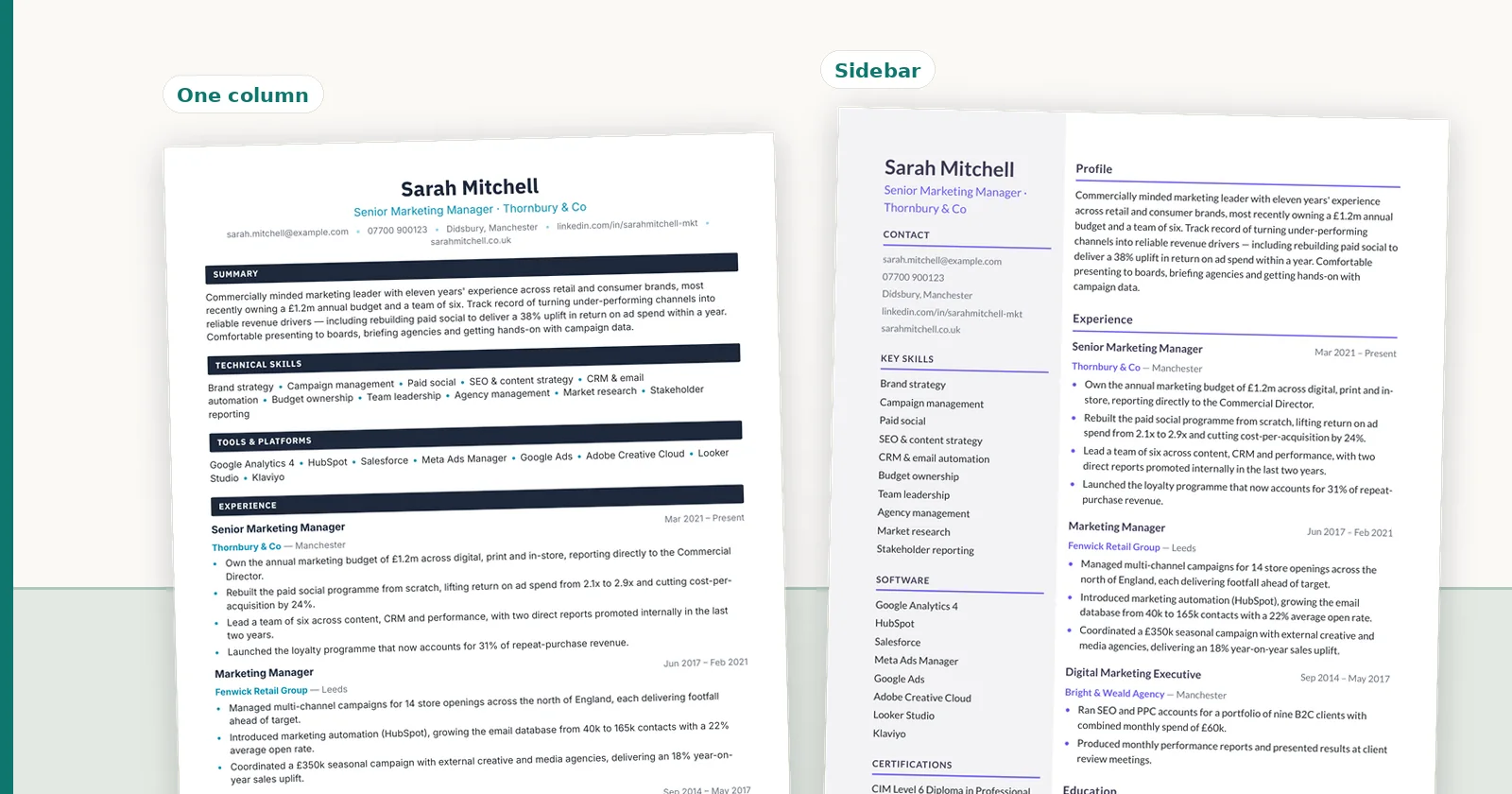
PDF vs DOCX for Candidate CV Submissions: A Recruiter's Guide
When to send a candidate CV as PDF and when the client needs Word, how each format survives ATS parsing, and why the file type argument usually hides a different problem.
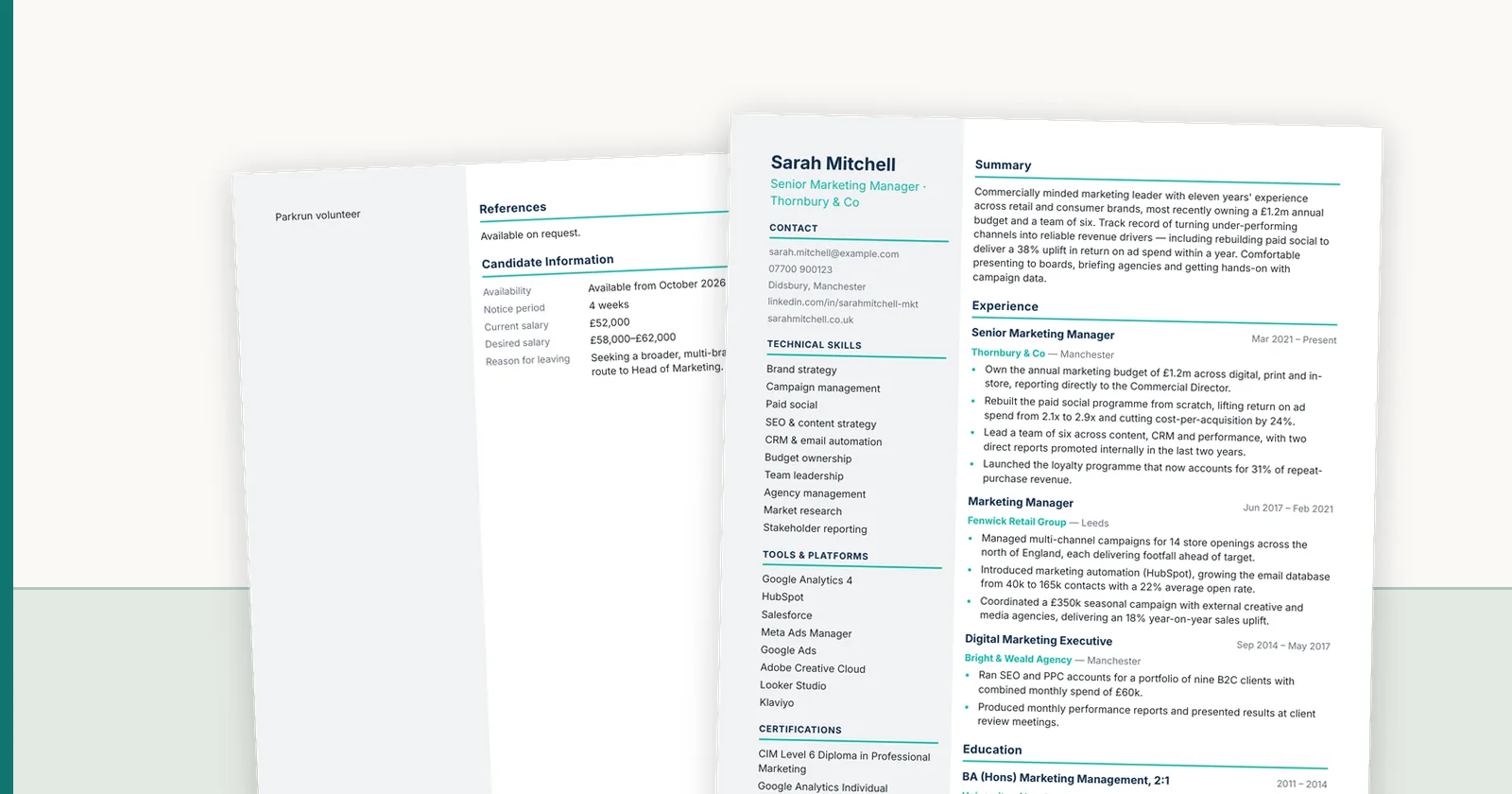
The PDF-or-Word question sounds trivial until a client rejects a submission over it. The two formats solve different problems: one protects how a document looks, the other lets the recipient change it. Most agencies pick one and defend it, when the useful answer is to produce both from the same source and know which to send to whom. This guide covers what actually differs, what survives an applicant tracking system, and the failure modes worth avoiding.
- 01PDF protects presentation
- 02DOCX supports downstream edits
- 03Both formats need one source of truth
What each format is actually for
PDF fixes a document's appearance. Fonts, spacing, page breaks and column positions are encoded in the file, so what you approved is what the client opens, on any device. That is the entire reason it exists.
DOCX keeps a document editable. Word reflows text to fit the reader's page settings, substitutes fonts it does not have, and lets the recipient change anything. That flexibility is a feature when the client wants to add notes, strip your branding before an internal circulation, or paste sections into their own paperwork.
Neither is more professional. They are answers to different questions: do I need this to look identical everywhere, or do I need the recipient to work with it?
For a job seeker the short answer is the same: send your CV in PDF format unless the employer or agency asks for Word. A text-based PDF keeps your layout and reads correctly in modern applicant tracking systems; Word is what an agency needs when it will reformat your CV onto its own template.
When PDF is the safer default
Send PDF when the layout carries meaning and the submission is final. Branded agency templates, anything with a sidebar or column structure, anything where a logo needs to sit in a specific place, and anything going to a client who will forward it onward.
PDF also protects you from a specific embarrassment: a client opening your carefully branded CV in a Word version that lacks your font, silently substituting something else, and concluding your agency produced a document with mismatched typography.
- Layout is identical on every device and in every viewer
- Fonts are embedded, so branding survives the hand-off
- Harder to alter casually, which matters for a document sent under your name
- Universally openable without Office
When the client genuinely needs Word
Plenty of clients ask for DOCX for reasons that are entirely legitimate, and refusing looks obstructive.
Internal hiring managers often paste candidate sections into an interview pack. Some HR teams remove agency branding before circulating to a panel, to keep the process neutral. Others have an intake process built around Word documents and will not change it for one supplier. In each case the request is about their workflow, not about your CV.
- The client redacts or annotates before circulating internally
- Their internal template expects pasteable text
- Accessibility tooling in their organisation is configured around Word
- A procurement or compliance process specifies an editable format
The ATS question, answered properly
The claim that PDFs break applicant tracking systems is a decade out of date, but the myth persists because there is a real problem underneath it. Modern systems parse text-based PDFs perfectly well. What they parse badly is complex layout — in either format.
Multi-column layouts are the usual culprit. A parser reading left to right across a two-column CV can interleave the sidebar with the main body, producing a jumble of skills and job titles. A scanned CV saved as a PDF image is worse: it contains no text at all, so a system without OCR sees an empty document.
So the safe rule is not 'avoid PDF'. It is: avoid image-only files, avoid layouts that only make sense visually, and keep dates and job titles in a linear reading order. A well-built single-column PDF parses better than a heavily formatted Word document with text boxes.
- Text-based PDF: parses reliably in current systems
- Image or scanned PDF: parses as nothing without OCR
- Text boxes in Word: frequently dropped entirely by parsers
- Multi-column layouts: risk interleaving regardless of file type
- Tables used for layout: a common cause of scrambled dates
Why the argument usually hides a different problem
Agencies that argue hardest about file formats are usually maintaining one master document per candidate and converting by hand. That is what makes the choice feel consequential — picking wrong means redoing work.
When both formats are generated from the same approved source, the question stops being interesting. You send PDF by default, and produce Word in seconds when a client asks. Nobody rebuilds anything, and the two files cannot drift apart, because neither is edited after approval.
That is the actual fix: not choosing a side, but removing the cost of being asked.
The honest limitation of Word exports
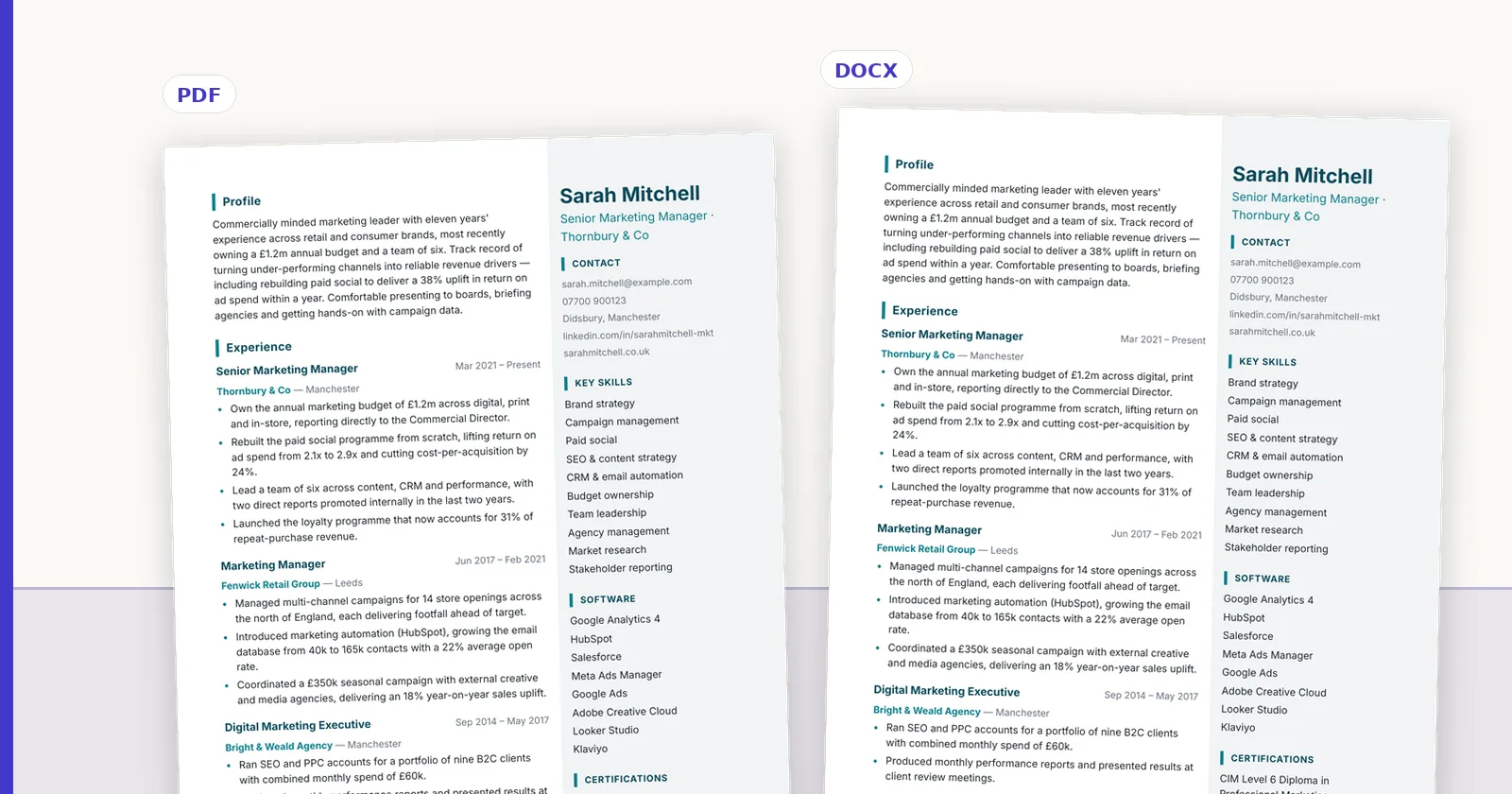
One caveat that vendors in this category tend not to volunteer. A DOCX export is an approximation of a designed layout, not a pixel-identical copy of it. Word's layout engine is not a print engine: curved shapes, precise overlaps and some spacing behaviour cannot be reproduced exactly.
In ConnectIQ the HTML and PDF outputs are authoritative, and the DOCX export approximates them closely enough to be used and edited. We say so plainly because the alternative is a client opening a Word file that does not match the PDF you showed them and assuming something is broken.
If exact fidelity matters for a particular submission, send the PDF and offer Word on request.
A workable policy
Most agencies can settle this permanently with three rules.
- Default to PDF for client submissions, because it is the version you approved
- Produce DOCX on request, without renegotiating it each time
- Never send an image-only file, in either format
- Keep the candidate's own original on file, so you can regenerate rather than reconstruct
- Generate both from one approved source, so the two can never disagree
Take this back to the desk
FAQ
Q01Is PDF always ATS-friendly?
Text-based PDFs are parsed reliably by current systems. The real risks are image-only PDFs, which contain no extractable text, and complex multi-column layouts, which can be read in the wrong order. Those risks apply to Word documents too — text boxes and layout tables are a common cause of scrambled parsing.
Q02Why do some clients insist on Word?
Usually because they edit before circulating: adding interview notes, removing agency branding for a neutral panel review, or pasting sections into their own template. It is a workflow requirement rather than a judgement about your document, and it is easier to accommodate than to argue with.
Q03Does converting PDF to Word lose formatting?
Converting an existing PDF usually produces a document full of text boxes and broken spacing, because the converter is reverse-engineering a finished layout. Generating the Word file from the same source as the PDF avoids that entirely, which is why the two should come from one approved document rather than one being derived from the other.
Q04Should I send both formats at once?
Rarely. Two files invite the recipient to wonder which is current, and if either is edited afterwards they diverge. Send the PDF, and produce Word promptly if asked.
Q05What about candidates who only have a scanned CV?
A scan needs OCR before anything can read it, including your own systems and the client's. Treat it as an input problem rather than a format one: get the text extracted, review it, then produce a clean PDF.
Q06Should I send my CV as a PDF or a Word document?
PDF by default, because it shows the reader exactly the layout you approved. Send Word when the application asks for it, or when a recruitment agency needs to reformat your CV onto its own template. Never send a scanned or image-only file in either format.
Q07Are PDFs or Word documents better for an ATS?
Neither is reliably better. Current applicant tracking systems read text-based PDFs and Word files well; what they read badly is complex layout in either format: text boxes, layout tables, multiple columns and anything in headers or footers. An ATS-friendly CV template matters more than the file type.
ConnectIQ Editorial documents practical recruitment operations and the controls implemented in the ConnectIQ product. This guide is general operational information, not legal advice.