ATS-Friendly CV: What an ATS Actually Reads From Your CV (7 Things It Takes, 4 It Drops)
Applicant tracking systems parse your CV into fields. Here is what survives that process, what disappears without warning, and how to see it for your own document.
There is a whole industry selling "ATS optimisation", most of it built on guesses about software the seller has never seen the inside of. The useful version of this topic is narrower and more checkable: an applicant tracking system takes your document and turns it into structured fields. Some of your CV survives that. Some of it does not. This is what actually happens, based on how document parsers work rather than on what a scoring tool claims about them.
First, what an ATS is and is not
An applicant tracking system is a database of candidates with a workflow attached. Its job is to store applications, let a recruiter search them, and track who is at what stage. Parsing your CV into fields is a feature it needs in order to do that, not a test it sets you.
This matters because the popular framing — that a robot scores your CV and rejects you — describes something most systems do not do. What actually costs you is quieter: fields extracted wrongly, so that when a recruiter searches their database for your skill in your city, you are not in the results.
The same parsing happens inside recruitment agencies, whose systems read your CV the moment you apply. How a CV parser works, and where it fails, is covered from the recruiter's side in how CV parsing software works.
The same advice applies whether you call it an ATS-friendly CV or, as American job sites do, an ATS-friendly resume: the software reads both the same way.
The 7 things it reliably takes
Your name, usually from the largest text at the top. Contact details, found by pattern: anything shaped like an email address or a phone number. Employer names, generally the line adjacent to a date range. Job titles, from position relative to the employer. Date ranges, which are the strongest signal on the whole document because their shape is unmistakable. Education and qualifications, matched against known institutions and award names. Skills, usually by matching against a list the system already holds.
Notice what almost all of those depend on: position and adjacency. The parser is working out relationships from where things sit on the page. That is why layout affects extraction far more than word choice does.
The 4 things it drops without telling you
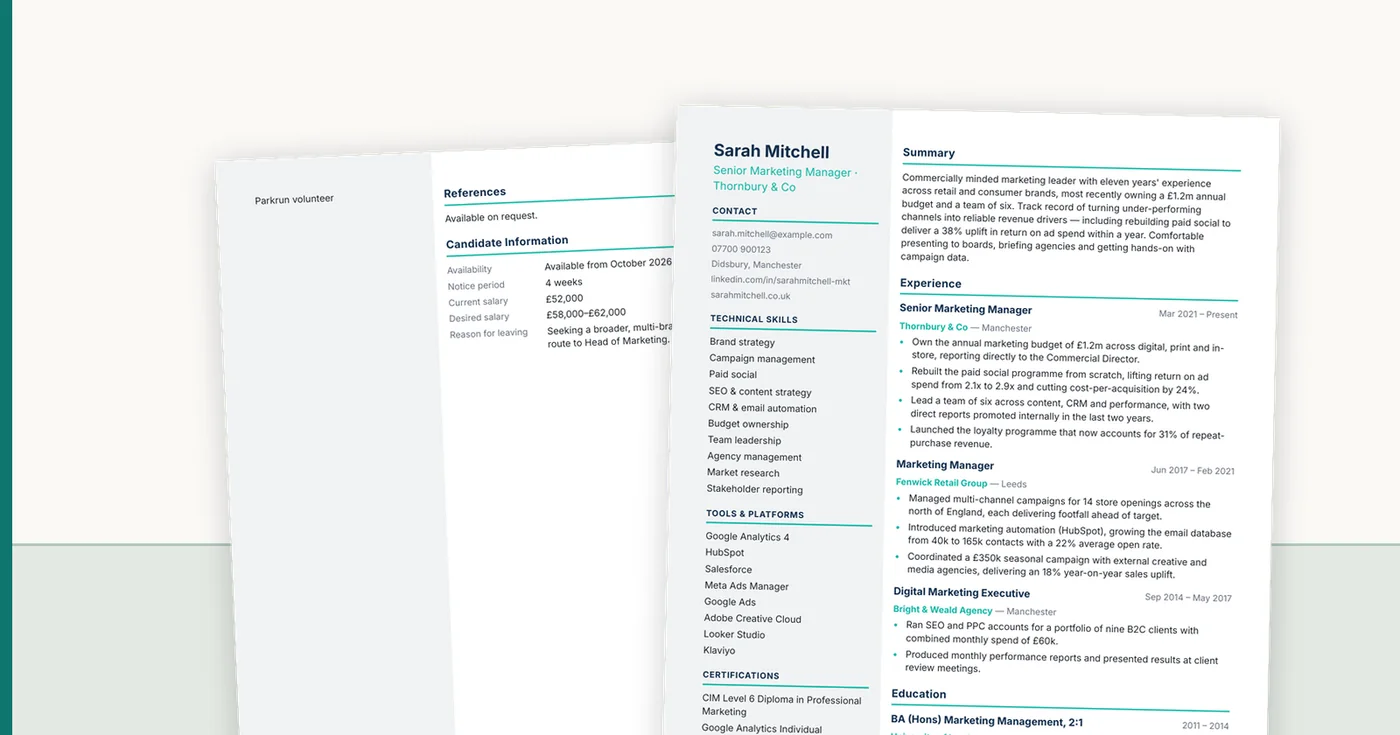
Anything in a header or footer. Many parsers read the body text stream and never look there. Putting your phone number in the header is the classic own goal — visible to humans, invisible to the database.
Text inside images and graphics. A skills wheel, a logo containing your name, a scanned signature block. If it is pixels, it does not exist. The same applies to a CV exported flat from a design tool.
Anything whose meaning lives in the styling. You made a job title bold and a section heading bold. To you they look different because of position and context. To a parser reading a text stream, they can be indistinguishable, and your job title becomes a section.
The reading order of complex columns. This is the big one, covered next.
Why two columns are the most expensive design choice
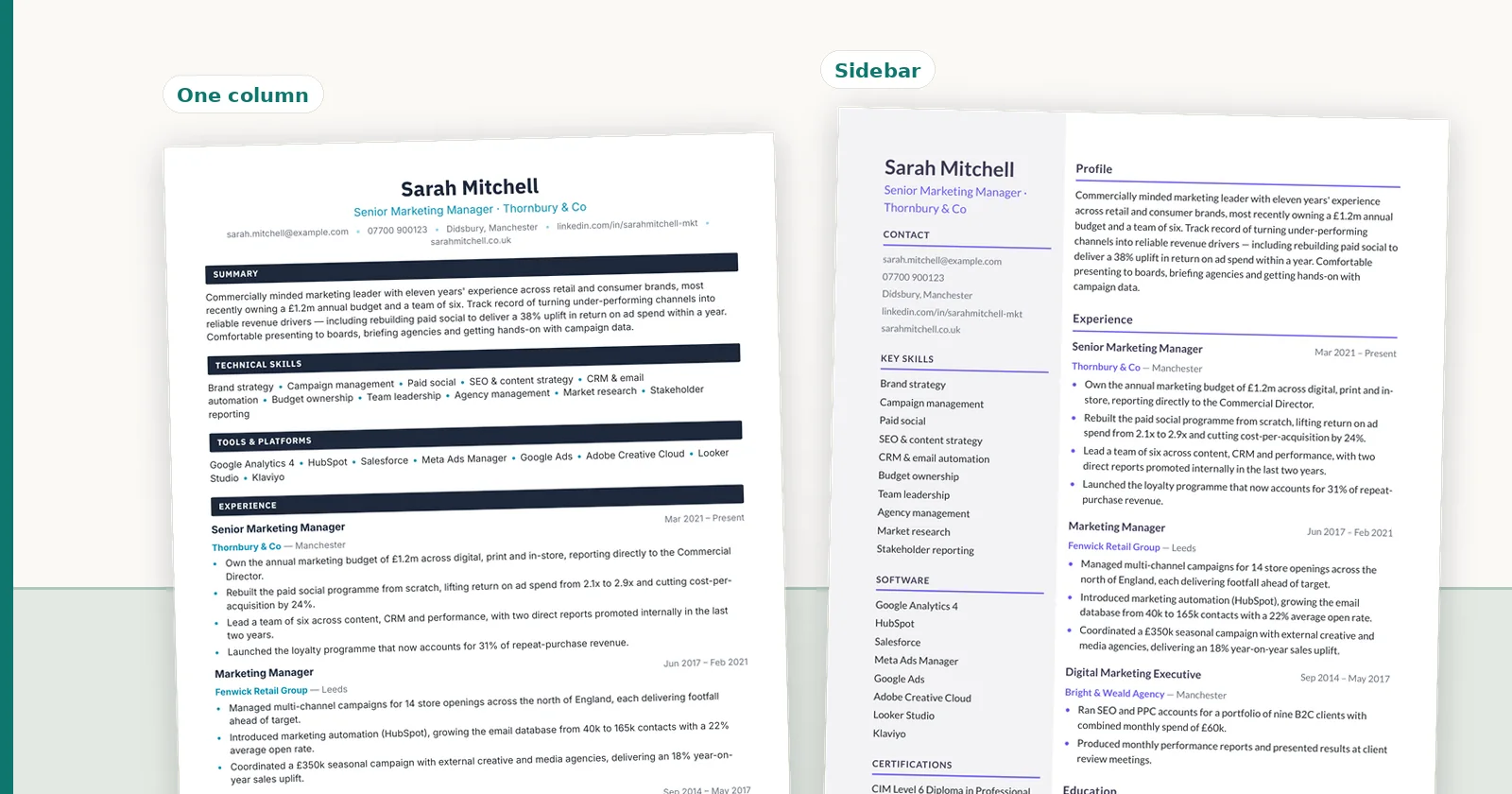
A two-column CV looks efficient and reads well to a person, who understands to finish the left column before starting the right. A text extractor does not necessarily know that. Depending on how the file was produced, it may read across the page, line by line, interleaving your sidebar into your employment history.
The result is a text stream like "Skills Senior Analyst Excel Thornbury & Co SQL Mar 2021" — which no parser can turn into sensible fields, and which no human ever sees, because on screen the document looks perfect.
This is not an argument that two-column CVs never work. Plenty do. It is an argument that you cannot know which one you have without looking at the extracted text.
The keyword advice is half right
Mirroring language from the job advert is genuinely useful, because a recruiter searching the database will use the words their industry uses, and if your CV says "management information" where everyone else says "MI reporting", you are missing from that search.
What is not useful is keyword stuffing, white text, or a hidden block of terms at the bottom. Recruiters see the parsed text, not your layout, so an invisible keyword block is invisible to precisely nobody. It appears in the record in full.
Do you need an ATS CV checker?
An ATS CV checker is a tool that reads your CV and gives it a score, usually out of 100, often against a job advert. It is the most searched version of this whole topic in the UK, so it is worth being precise about what you get.
The score is that tool's opinion, built on criteria it rarely shows you. Questions like "is 80% a good ATS score?" have no real answer, because no employer's system uses the checker's scale. What a checker can usefully tell you is whether your keywords match the advert, which you can also see by reading the two side by side.
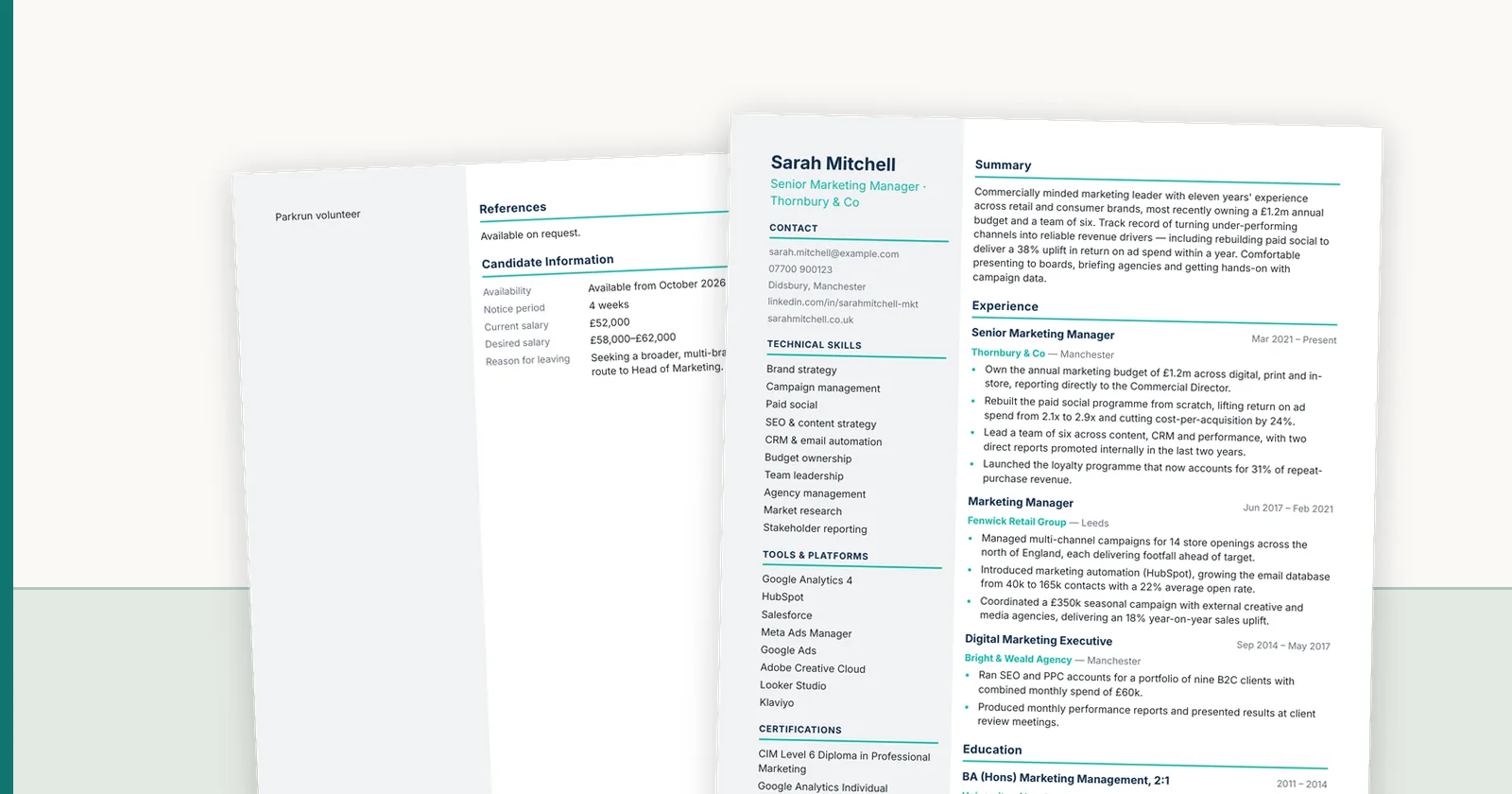
The more useful check is the extracted record: which text landed in which field. If your employer, title and dates come out in the right places, your CV is ATS-friendly in the sense that matters. If they come out interleaved, no keyword score will save it. For layouts that read cleanly, see the ATS-friendly CV template guide.
How to actually see it, for your CV
Everything above is general. What you want is specific: which fields came out of *your* document, and which ones are wrong. Two ways to get that.
The free way: open your PDF, select all, paste into a plain text editor. That is roughly the text stream a parser starts from. If it reads as gibberish or the columns have interleaved, you have found a real problem.
The structured way: put it through something that shows the parsed record rather than a score out of a hundred. Our free conversion gives you one CV with no card — the extracted fields, a confidence level on each, the alternative readings where it was not sure, and the original page beside it so you can see exactly where each value was taken from. Where it got something wrong, you can correct it and export a clean version. It is also, bluntly, the fastest way to find out whether your layout is the problem.
FAQ
Q01Should I use a plain CV with no design at all?
No. A plain single-column document parses reliably, but so do plenty of designed ones — what matters is a clean reading order, real text rather than images, and nothing important stranded in a header. Design as much as you like within those constraints.
Q02PDF or Word for an online application?
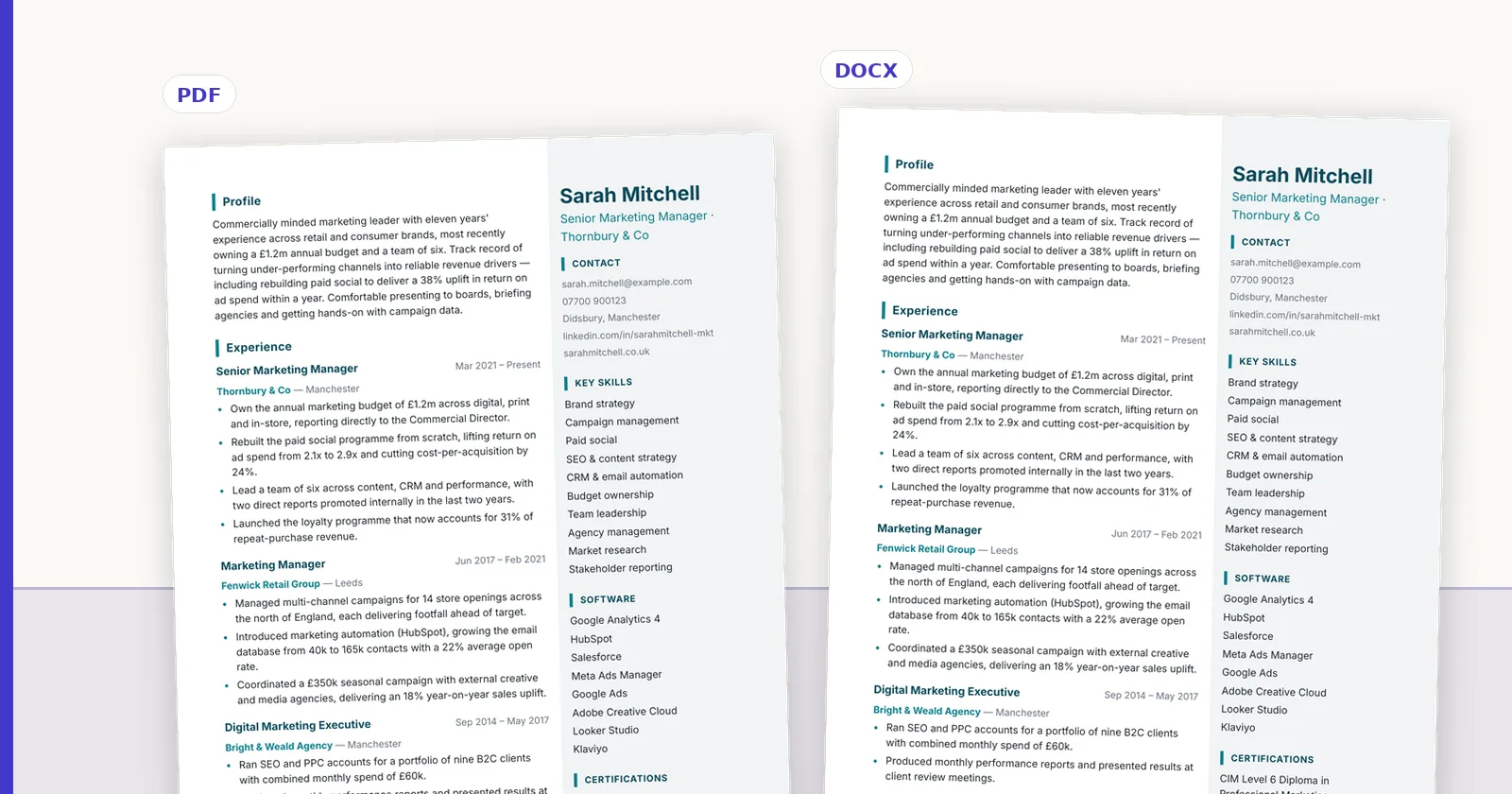
PDF, unless the form specifies otherwise, because it guarantees the layout the reader sees. Modern parsers handle PDF text perfectly well. The exception is a recruitment agency asking for an editable file, which is a genuine request — they may need to reformat it onto their own template.
Q03Do ATS scoring tools tell me anything useful?
They tell you what that tool thinks, using criteria it usually will not show you. A score of 72 is not actionable. The extracted fields are, because you can look at them and see immediately whether your employer name ended up in the right place.
Q04What is an ATS-friendly CV?
An ATS-friendly CV is one an applicant tracking system can turn into the right fields: real text rather than images, a clean reading order, standard section headings, dates next to each role, and nothing important in headers, footers or text boxes. It can still be well designed; it just cannot rely on design to carry meaning.
Q05How do I make my CV ATS-friendly?
Copy all the text into a plain text editor and check it reads in order. Move contact details out of the header, replace skill bars and icons with words, use standard headings (Experience, Education, Skills), keep dates beside each role, and avoid layout tables and text boxes. Then check the extracted fields, not just a score.
Q06Is 80% a good ATS score?
Only on the tool that produced it. ATS score checkers each use their own scale, and employers' systems do not use any of them. Treat the score as a prompt to compare your wording with the job advert, and judge your CV on whether the extracted fields are correct.
Q07Can ChatGPT make an ATS-friendly CV?
It can help with wording and with matching the language of an advert, but it does not control your layout, which is what decides whether an ATS reads your CV correctly. It can also add figures or skills you never claimed, so check every fact it changes.
ConnectIQ Editorial documents practical recruitment operations and the controls implemented in the ConnectIQ product. This guide is general operational information, not legal advice.