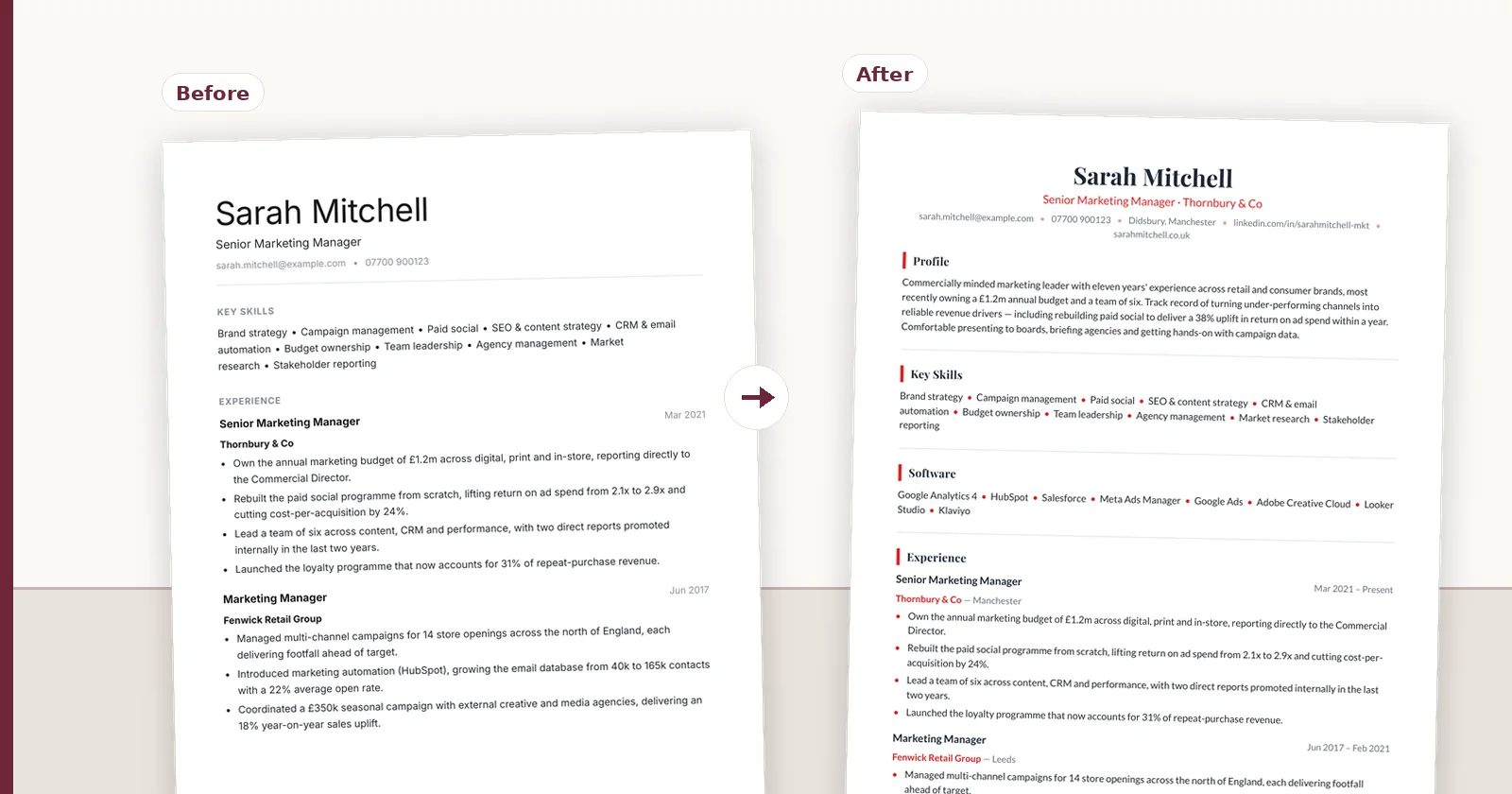
How to Format a Candidate CV for Client Submission
A step-by-step process for turning a candidate's own CV into a branded client submission: what to restructure, what to leave alone, and the checks to run before it leaves your agency.
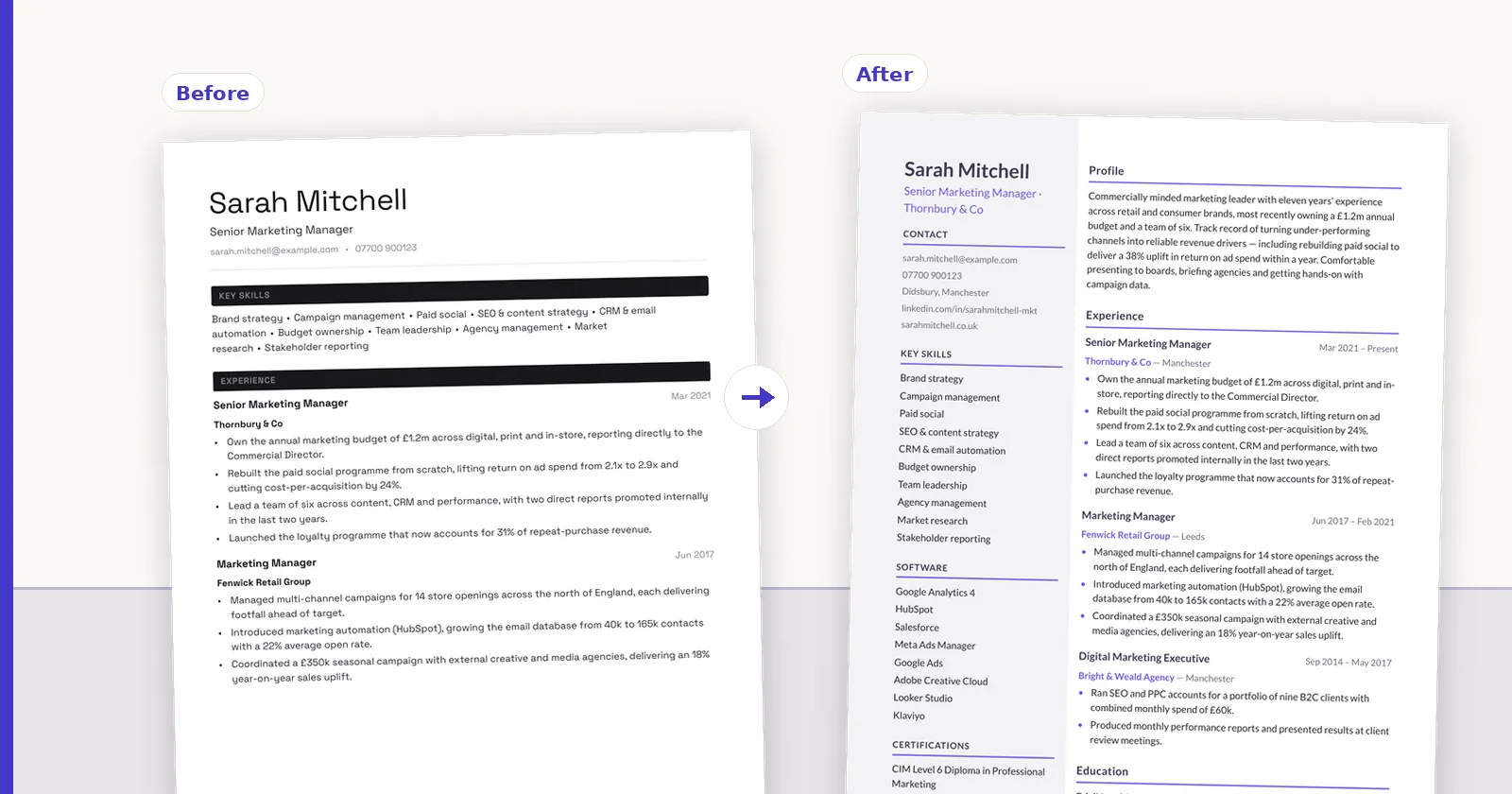
A client submission is a different document from the CV a candidate sends you. The candidate wrote theirs to be considered for anything; you are presenting them for one specific role, to a client who will read the first half of the first page and decide. This is the process for making that translation without misrepresenting anyone — including the parts most guides skip, like what you must not change and how to check before sending.
- 01Verify factual tokens before touching presentation
- 02Use one stable hierarchy across every submission
- 03Export only from the final reviewed record
Start by reading it as the client will
Before changing anything, read the CV once at the speed a hiring manager will: about twenty seconds, top of page one. Note what you learned and what you had to hunt for.
That single pass tells you what the reformatting has to fix. Usually it is the same three things: the current role is not immediately visible, the relevant experience is buried under an unrelated recent job, and the achievements are mixed into responsibilities where nobody will find them.
Fix structure before you fix wording
Reordering delivers most of the improvement and carries none of the risk of rewriting. Nothing about the candidate changes; the reader simply reaches the evidence sooner.
Keep experience in reverse chronological order — clients distrust functional CVs, because they read as concealment even when they are not. Reordering means promoting the right detail within each role, not shuffling the roles themselves.
The general rules of CV formatting (fonts, margins, date style, headings) are set out in the UK CV formatting guide; this article is about the recruiter's version, where the layout is your agency's and the facts stay the candidate's.
- Surface the current role, employer and dates at the top
- Move the most role-relevant experience earlier within each entry
- Split achievements out from responsibilities so evidence is visible
- Compress old or irrelevant roles to a line each rather than deleting them
- Move practical facts — notice period, availability, salary — to a consistent place
- Preserve every date, including gaps: removing them reads as concealment
What you must not change
This is the part that separates a submission from a liability. Everything on that document goes to the client under your agency's name, and they will reasonably assume you verified it.
The rule is simple: presentation is yours to change, facts are the candidate's. Employers, job titles, dates, qualifications and figures stay exactly as the candidate stated them. If a title seems inflated or a date looks wrong, ask the candidate — do not quietly correct it, and do not quietly keep it.
- Employer names, job titles and dates: verbatim
- Qualifications and grades: verbatim, including the awarding body
- Any figure the candidate claimed: unchanged, and not moved between roles
- Scope words like 'supported', 'assisted' or 'led': these carry the claim, and upgrading them is misrepresentation
Rewriting prose without changing claims
The profile is usually the weakest part of a candidate's own CV and the part most worth improving. Fixing spelling, tightening sentences and removing filler is straightforwardly useful.
The line to hold is that improved wording must not become an improved claim. 'Helped implement a new CRM' can become 'Contributed to a CRM implementation'. It cannot become 'Implemented a new CRM'. The first is editing; the second is a different assertion about what the person did.
If you use an AI tool for this, the question that matters is what it does when it cannot rewrite safely. A tool that silently invents a metric to make a bullet punchier is worse than no tool. Check that figures are preserved per role rather than merely present somewhere in the document, and read the diff before sending.
Anonymise deliberately, if at all
If the client wants a blind CV, agree what that means before the first submission. Some want only personal identifiers removed; others want employers generalised. Sending a heavily redacted CV to a client who wanted names intact looks careless, and the reverse is worse.
Whatever you remove, check the prose as well as the fields. Names survive inside profile paragraphs, in name-derived email stubs and in referee details far more often than people expect.
The pre-send checks
Two minutes, every time. Most rejected submissions fail on something in this list rather than on the candidate.
- Does the first half of page one answer 'is this the right person for this role'?
- Are all dates present, consistently formatted, and free of unexplained gaps?
- Does every figure and title match the candidate's original?
- Is your branding present but not competing with the candidate's name?
- Does the file open correctly on a machine without your fonts?
- If anonymised, can you still identify the person by reading it fresh?
- Is the filename professional, and does it avoid exposing the candidate's name when the client wanted a blind CV?
Keep the source, not just the output
The submission you send is a rendering of an approved document, not the document itself. Keeping the underlying content separate from the branded output means a candidate update, a second client or a template change is an edit and a re-export rather than a rebuild.
It also means the versions cannot disagree. Agencies that maintain a branded Word file per candidate per client eventually send an out-of-date one, and usually find out from the client.
If you do this every day, the restructuring and rendering are the parts worth automating. ConnectIQ for recruiters keeps the candidate's original attached, applies your agency template and exports PDF or DOCX from the same approved record.
Take this back to the desk
FAQ
Q01Should I rewrite the candidate's CV or just reformat it?
Reformat and restructure first — it delivers most of the improvement with none of the risk. Rewrite prose where it is genuinely poor, but keep claims identical: tightening 'helped implement' into 'contributed to' is editing, while turning it into 'implemented' is a different assertion about what they did.
Q02Can I change a candidate's job title to something clearer?
No. Titles, employers, dates and qualifications go across verbatim. If a title is misleading or unclear, ask the candidate and let them correct their own CV. Changing it yourself puts a claim you invented on a document sent under your agency's name.
Q03How long should a client submission be?
Two pages for most candidates. What matters more is that the first half of page one answers whether this is the right kind of person for the role — clients decide there, and rarely reach page two if it does not.
Q04Should I remove employment gaps?
Never. Removing dates to hide a gap reads as concealment when the client notices, and they usually do. Present the gap plainly; if the candidate has an explanation, put it in the covering note rather than editing the timeline.
Q05How do I stop AI rewriting from exaggerating a candidate's role?
Look for a tool that checks its own output mechanically — figures conserved per role rather than per document, names grounded in the source — and that shows you exactly what changed. Meaning still needs a human read, because 'supported' becoming 'led' breaks no factual rule while changing the claim entirely.
Q06How do you lay out a professional CV for a client?
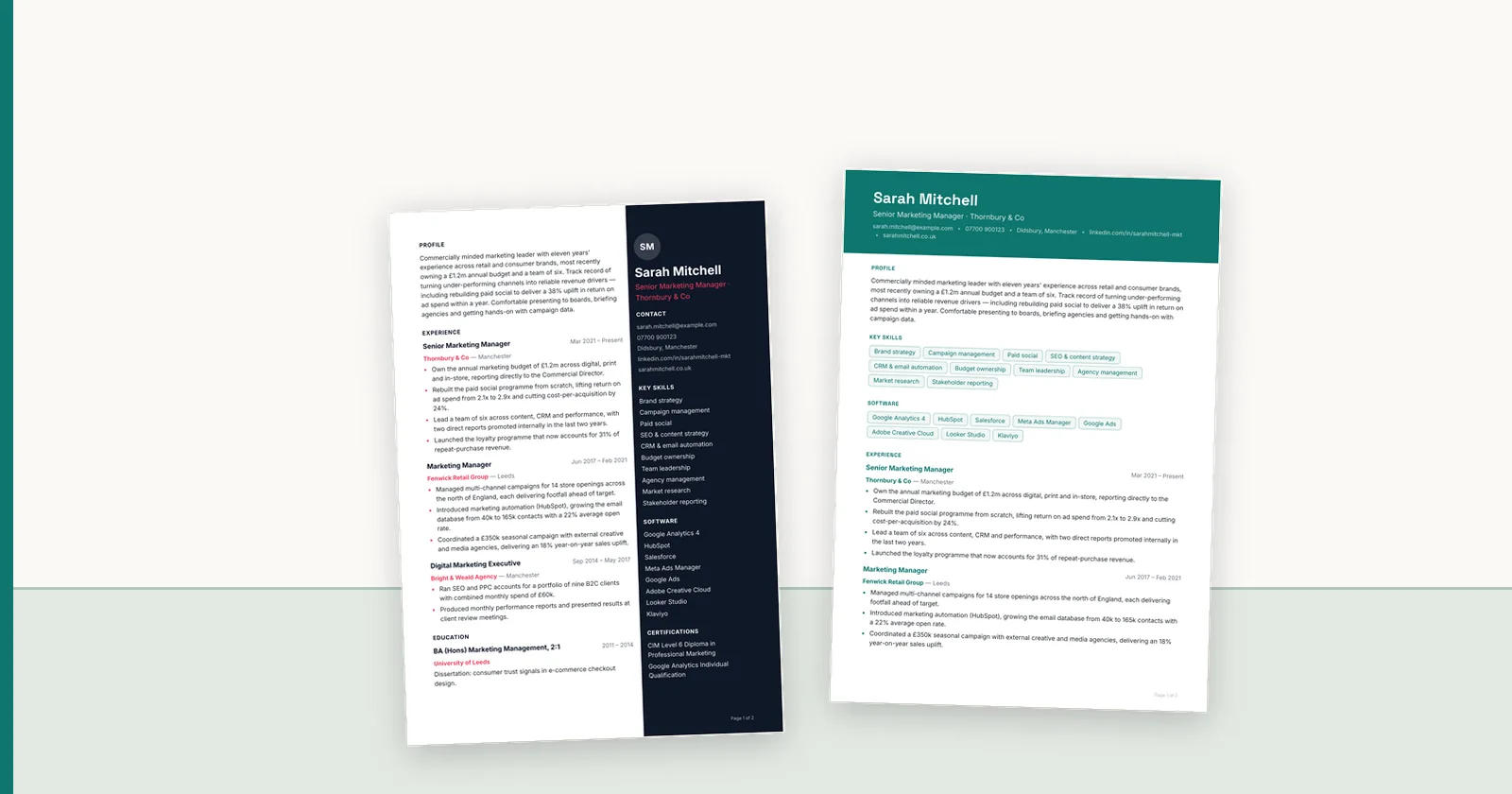
Current role, employer and dates visible in the top third of page one; a three or four line profile; experience in reverse chronological order with achievements separated from duties; education compact; practical details (notice, availability, location) in a consistent place. The UK CV layout examples show the main layouts side by side.
ConnectIQ Editorial documents practical recruitment operations and the controls implemented in the ConnectIQ product. This guide is general operational information, not legal advice.