CV Format UK: The 5 CV Formats That Work, and Exactly Who Each One Suits
Reverse-chronological, functional, hybrid, academic and one-page. What each format is genuinely for, when it backfires, and how to pick.
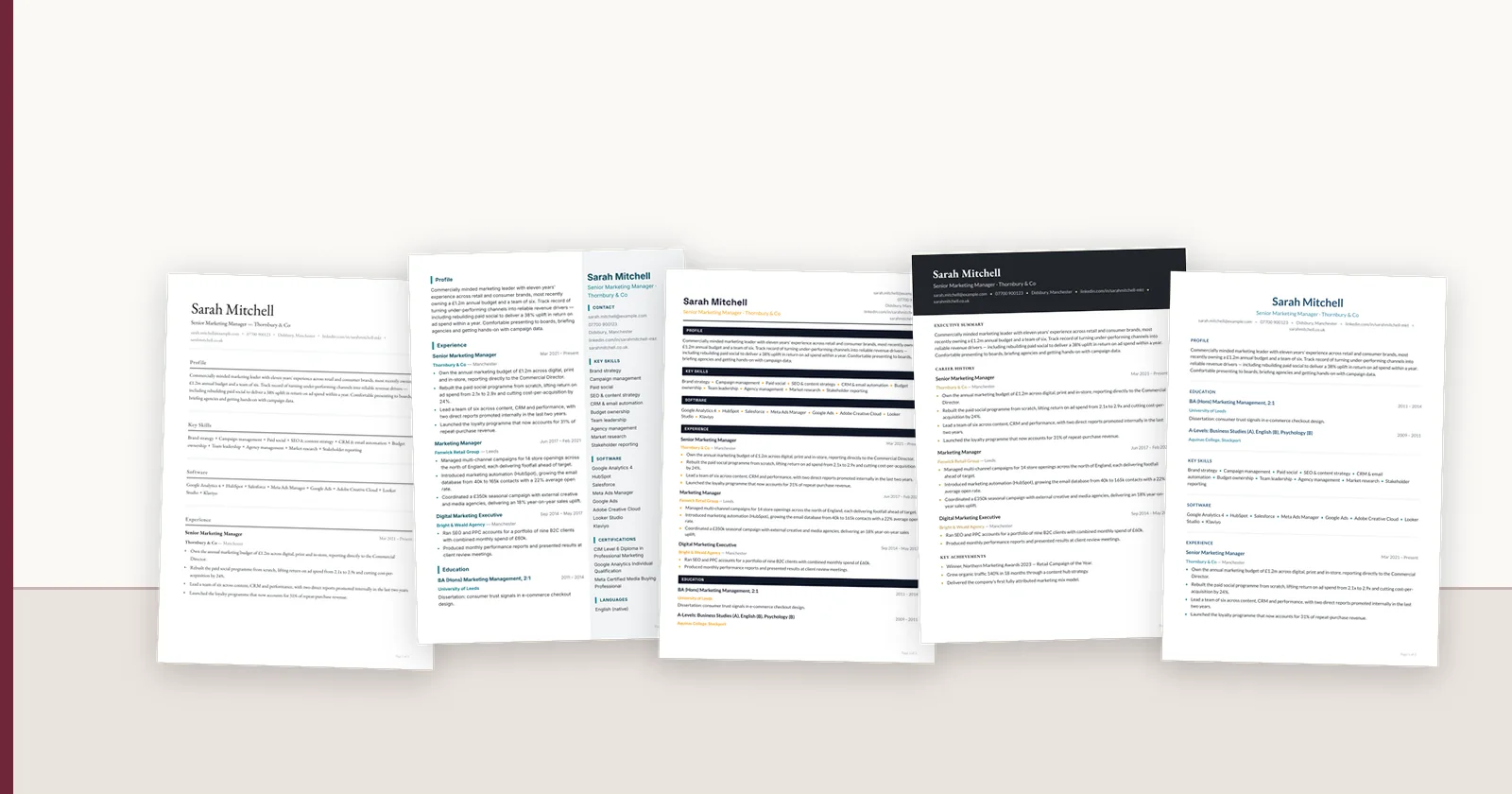
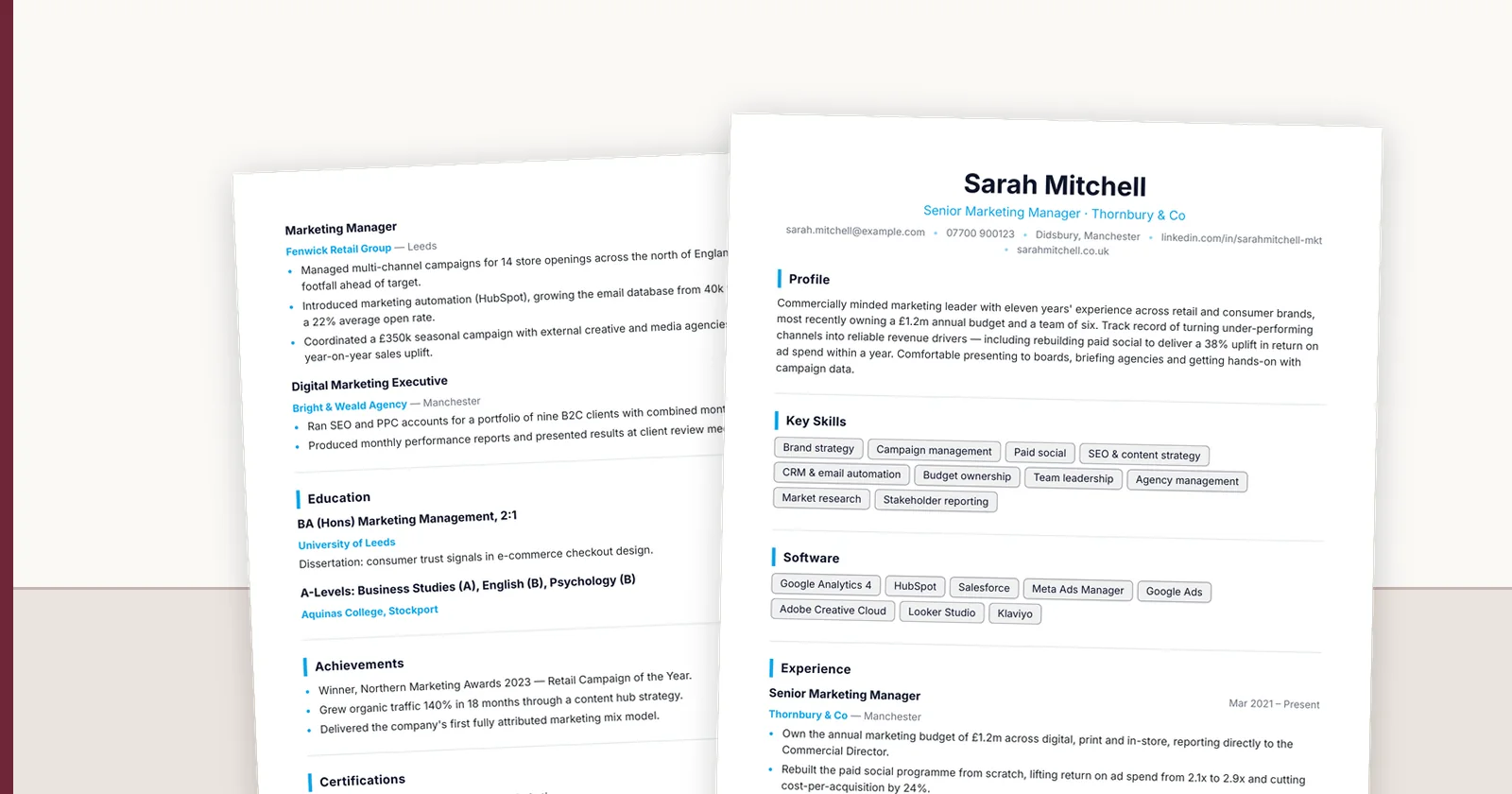
Most "CV format" articles describe three formats and recommend the same one to everybody. The choice does matter, but it is driven by your situation rather than by fashion: a career changer and a fifteen-year specialist are solving different problems, and the layout that helps one actively harms the other. Here are the five that are worth considering, what each is for, and the specific case where each one goes wrong. For most UK applications the best CV format is reverse-chronological or a hybrid of it, set out over two pages in a clean single-column layout and sent as a PDF unless Word is requested. The details are below; the visual side (layout, fonts, spacing) is covered in the [UK CV layout examples](/blog/uk-cv-layout-examples) and the [CV formatting guide](/blog/cv-formatting-guide-uk).
1. Reverse-chronological — the default, and usually right
Most recent role first, working backwards. It is the default because it answers the reader's first question — what are you doing now, and is it relevant — without them having to hunt.
Suits: anyone with a reasonably continuous history in one broad field, which is most people.
Backfires when: your most recent role is the least relevant thing you have done. A reverse-chronological CV puts your stopgap job in the position of greatest emphasis, and the reader may never reach the eight relevant years underneath it.
2. Functional — powerful, and widely distrusted
Organised by skill area rather than by job, with employment reduced to a short list at the end. In principle it lets a career changer lead with capability rather than job titles.
Suits: genuine career changes where your transferable skills are the argument, and the job titles would obscure it.
Backfires when: the reader is a recruiter. Many treat a functional CV as an attempt to hide something — a gap, a short tenure, a sideways move — because that is often what it is being used for. It also parses badly, since skills detached from employers and dates give a parser nothing to anchor to.
If you use one, keep a dated employment list on it. Removing dates entirely is the specific thing that triggers suspicion.
3. Hybrid — what most good CVs actually are
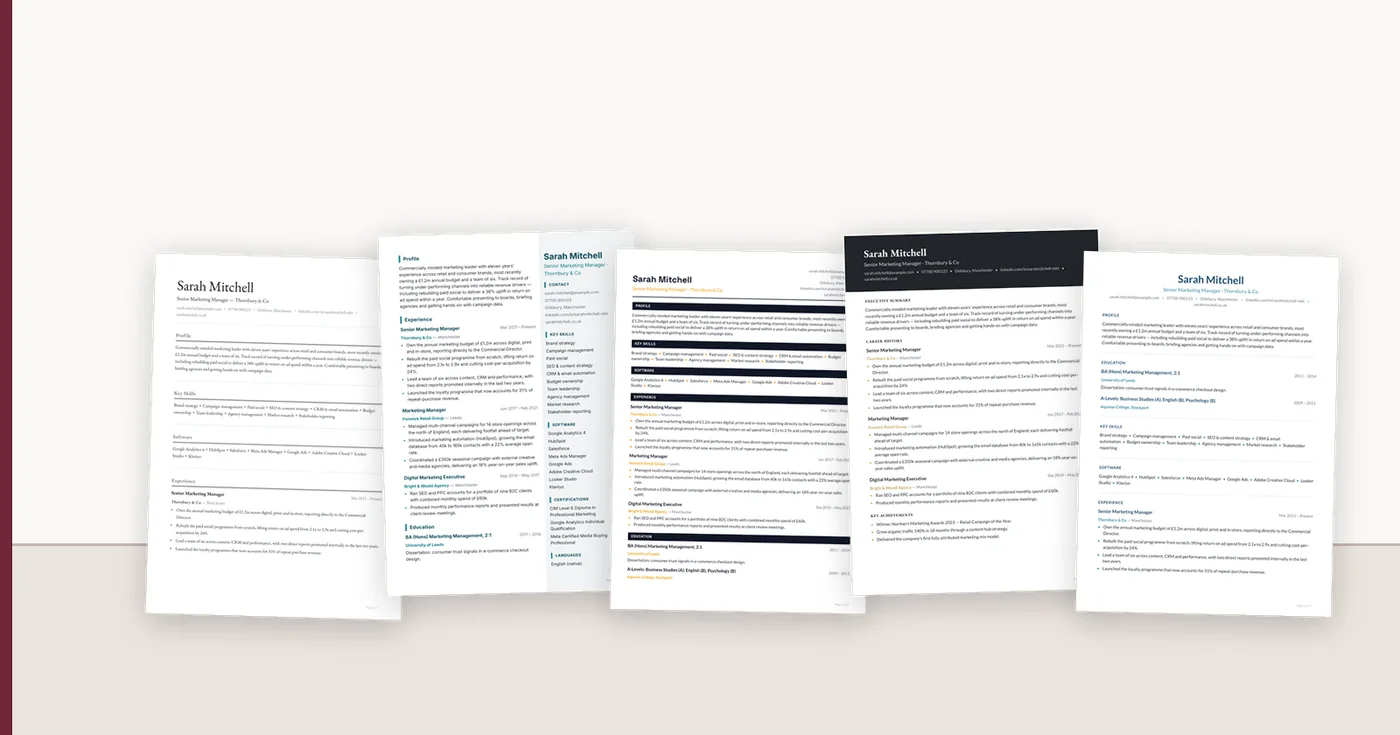
A short capability summary at the top, then straight into reverse-chronological history. You get to frame the story without hiding the timeline.
Suits: nearly everyone, and particularly anyone whose recent title undersells them, or who is moving between adjacent fields.
Backfires when: the summary becomes six lines of adjectives. The top block earns its space only if it contains specifics a stranger could not guess.
4. Academic — long by design
Publications, funding, teaching, conferences, with no length limit. Everything a commercial CV cuts, an academic one is required to include.
Suits: research, academia, some clinical and scientific roles.
Backfires when: used to apply for an industry job. A twelve-page publication list sent to a commercial employer reads as an inability to judge your audience, which is itself a hiring signal.
5. One-page — a constraint, not a format
Suits: early career, and any application where you have been explicitly asked for one.
Backfires when: you have fifteen years of experience and compress it by dropping to eight-point type and quarter-inch margins. That is not a one-page CV, it is a two-page CV that is now hard to read. Length is not a virtue in either direction — the right length is the shortest one that still contains the evidence.
Picking a layout without spending a Saturday on it
Once the structure is decided, the visual design is a genuinely lower-stakes choice than it feels. It needs to be legible, consistent, and to survive being read by software. Beyond that, taste.
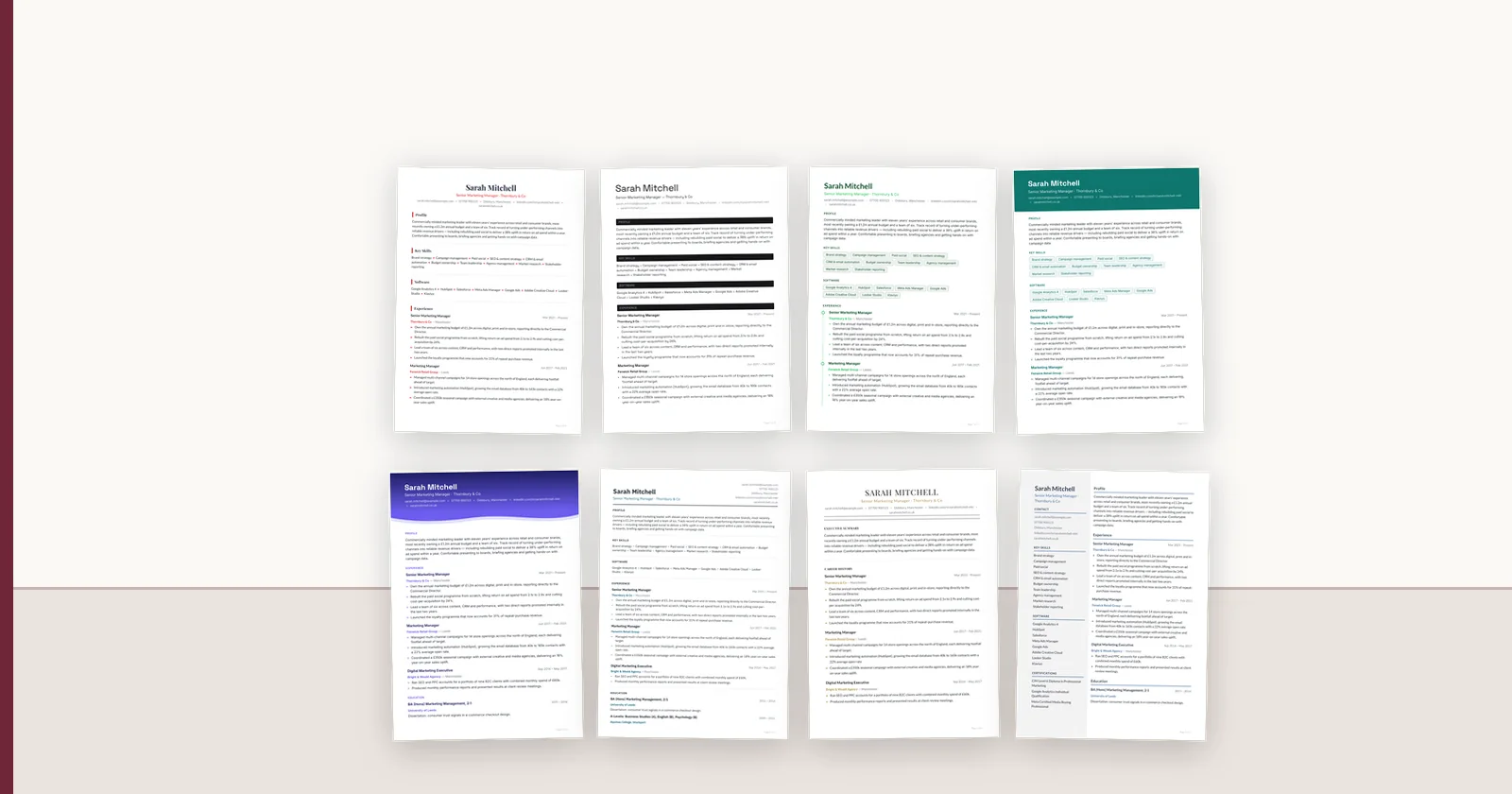
The slow way to do this is to rebuild your CV in a new layout to find out whether you like it. The fast way is to put your existing document through something that renders it into different layouts, so you are comparing your own content rather than a designer's sample text. We have 57 templates across nine families, and every preview on that page is a real render from the same renderer that produces the export — not a mock-up made in a design tool.
The first conversion is free with no card, which is enough to see your own CV in a proper layout and export it as PDF and Word. If you want to keep tailoring it — a different layout per application, a fresh version each month — Personal Pro is £5 a month for ten conversions. And if you would rather build the layout yourself, down to page geometry, type pairing, colours and section order, that is the template builder on Starter at £15.
FAQ
Q01Does a photo on a UK CV help or hurt?
Leave it off for UK applications unless the role is performance-related. It uses space that could carry evidence, and many employers strip photos before review specifically to reduce bias — so at best it is neutral and at worst it is removed anyway. Norms differ across Europe, so check for the country you are applying to.
Q02How many templates do I actually need to look at?
Three or four. Pick one conservative layout for corporate applications and one more distinctive for creative or smaller employers, then stop. Beyond that you are redesigning rather than applying, and the content is what gets you interviewed.
Q03Can I use the same CV design for every application?
Yes, and most people should. Consistency costs nothing and the design is rarely what decides an application. Vary the top third — the summary and the emphasis of your recent role — rather than the whole layout.
Q04What is the best CV format for a job in the UK?
Reverse-chronological for most people, or a hybrid with a short capability summary on top. Both answer the reader's first question (what are you doing now) immediately. Functional formats are distrusted by recruiters and parse badly, so use one only for a genuine career change and keep a dated job list on it.
Q05Can I use a CV format in Word?
Yes. Any of these formats can be built in Word, and many employers and agencies ask for a Word copy. Avoid text boxes and layout tables in Word, because parsers often drop them; use real headings and paragraphs, and send a PDF export unless Word is requested. The template gallery exports both from one design.
Q06What not to put on a CV in the UK?
A photo, date of birth, marital status, full home address, national insurance number, references' contact details, salary history unless asked, and anything you could not explain at interview. Town and county is enough for location.
Q07What order should a CV be in?
For a reverse-chronological CV: your name and contact line, a three or four line profile, then work experience with the most recent role first, then education and qualifications, then skills, and any certifications or languages at the end. A graduate with little experience can put education before experience.
ConnectIQ Editorial documents practical recruitment operations and the controls implemented in the ConnectIQ product. This guide is general operational information, not legal advice.